

The best alternatives to WooCommerce’s Customer/Order/Coupon Export extension are Store Exporter Deluxe by Visser Labs, WebToffee Order Import Export Suite, and WP All Export with the WooCommerce add-on. Store Exporter Deluxe is the top pick. It covers 18 WooCommerce data types (not just three), supports five export formats, and starts at $39.50/year — about half the price of the official WooCommerce extension’s $79/year.
WooCommerce’s Customer/Order/Coupon Export is the official extension from the WooCommerce team. It does what the name says: exports customers, orders, and coupons in CSV or XML, with optional automated sending via FTP, HTTP POST, or email. If those three data types are all you’ll ever need and you want the “official” badge, it works.
Most growing stores need more: products, subscriptions, vendor data, custom meta fields, multi-format exports, and integrations with the other WooCommerce extensions already running on the site. That’s where the alternatives come in.
Table Of Contents
- What WooCommerce Customer/Order/Coupon Export Does Well
- Where the Official Extension Stops Short
- Feature Comparison: 4 Best Alternatives
- 1. Store Exporter Deluxe — Top Pick
- 2. WebToffee Order Import Export Suite
- 3. WP All Export + WooCommerce Add-On
- 4. Advanced Order Export for WooCommerce (Free)
- How to Choose
- Frequently Asked Questions
- Bottom Line
What WooCommerce Customer/Order/Coupon Export Does Well
To be fair to the official extension, here’s where it earns its place:
- Built by the WooCommerce team. Compatibility is guaranteed across WooCommerce updates.
- Asynchronous background exports. Large exports run in the background without timing out.
- Recurring automated exports. Schedule exports to FTP, HTTP POST, or email on a recurring basis.
- Two formats: CSV and XML. Covers the most common use cases.
Where The Official Extension Stops Short
- Only three data types. Customers, orders, and coupons. No products, subscriptions, reviews, vendor commissions, brands, bookings, attributes, or shipping classes.
- Two formats only. No XLS, XLSX, or TSV. If your accountant wants Excel, you’re converting files by hand.
- $79/year for limited scope. That’s the same ballpark as full-suite plugins like Store Exporter Deluxe ($39.50/year) that cover 6× the data types.
- No third-party plugin integrations. Custom meta fields from ACF, Yoast SEO data, vendor marketplace data — none of it is included natively.
- Orders placed before activation aren’t auto-exported. The recurring automation only picks up new records.
Feature Comparison: 4 Best Alternatives
| Plugin | Starting Price | Data Types | Formats | Plugin Integrations | Scheduled Exports |
|---|---|---|---|---|---|
| Store Exporter Deluxe | $39.50/yr | 18 (orders, products, customers, subscriptions, coupons, brands, bookings, vendor data, more) | CSV, TSV, XLS, XLSX, XML | 125+ | ✅ Email, FTP/SFTP, cloud |
| WebToffee Order Import Export Suite | $129/yr | 4 (orders, customers, coupons, subscriptions) | CSV, XML, TSV, Excel | ~30 | ✅ Email, FTP |
| WooCommerce Customer/Order/Coupon Export (official) | $79/yr | 3 (customers, orders, coupons) | CSV, XML | None | ✅ Email, FTP, HTTP POST |
| WP All Export + WooCommerce Add-On | $268/yr ($99 + $169) | 5 (orders, products, customers, reviews, comments) | CSV, XML, Excel, Google Sheets | ~20 | ✅ Cron-based |
| Advanced Order Export for WooCommerce | Free + Premium $40/yr | 1 (orders only) | CSV, XML, JSON, PDF, Excel, HTML | Limited | ✅ Premium only |
1. Store Exporter Deluxe (by Visser Labs) — Top Pick
Store Exporter Deluxe is the broadest WooCommerce export plugin available. Where the official Customer/Order/Coupon Export covers three data types, Store Exporter Deluxe covers 18 — including products, subscriptions, brands, bookings, reviews, vendor commissions, attributes, and any custom meta fields your store has added.
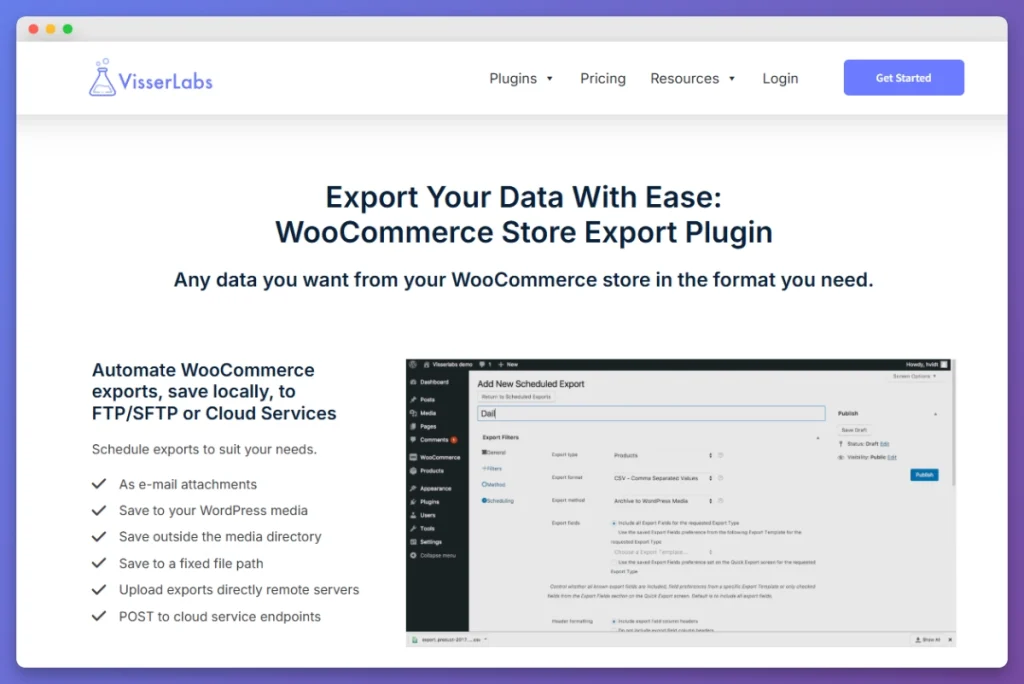
Where it pulls ahead of the official extension:
- 5 export formats vs 2. CSV, TSV, XLS, XLSX, and XML. Send orders to your accountant in Excel, products to a feed processor in XML, customers to your CRM in CSV — all from the same plugin.
- 125+ WooCommerce plugin integrations. Subscriptions, Bookings, Brands, vendor marketplaces, custom meta fields, ACF, and Yoast SEO — all supported natively.
- Half the price. $39.50/year for the full plugin vs $79/year for the official extension.
- Filtering and templates. Save export configurations as templates (“Monthly Orders to Accountant,” “Active Subscriptions for Renewal Reports”) and re-run them with one click.
Pricing: $39.50/year (single site, export only) or $79/year for the Import Export Suite (Store Exporter Deluxe + Product Importer Deluxe). Agency licenses at $199/year. 14-day money-back guarantee. Full plans on the pricing page.
Best for: Stores that need to export more than customers, orders, and coupons — particularly stores using subscriptions, vendor marketplaces, custom product types, or third-party WooCommerce extensions.
2. WebToffee Order Import Export Suite
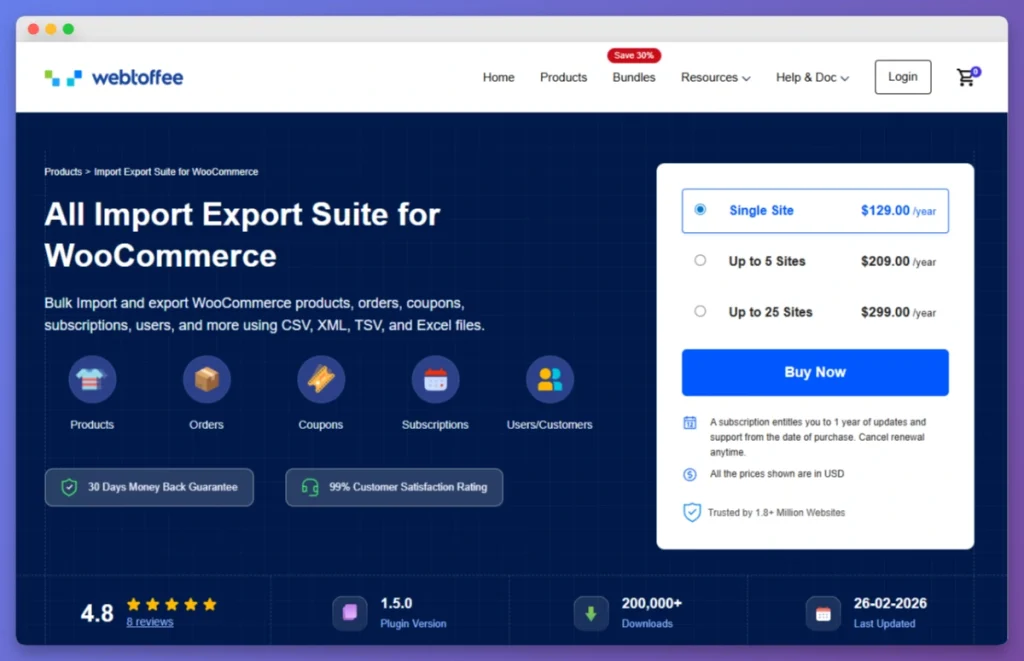
WebToffee’s order-focused Suite is the closest direct alternative to the official extension. It covers orders, customers, coupons, and subscriptions in CSV, XML, TSV, and Excel. The interface is wizard-driven and friendly for first-time users.
Compared to the official WooCommerce extension, WebToffee adds:
- Excel and TSV format support
- Subscription data handling (the official extension doesn’t include subscriptions)
- Step-by-step import alongside export
The trade-off: $129/year is 60% more than the official extension, and the data type coverage is still narrower than Store Exporter Deluxe.
Best for: Stores that want import and export in the same workflow and prefer wizard-driven interfaces.
3. WP All Export + WooCommerce Export Add-On
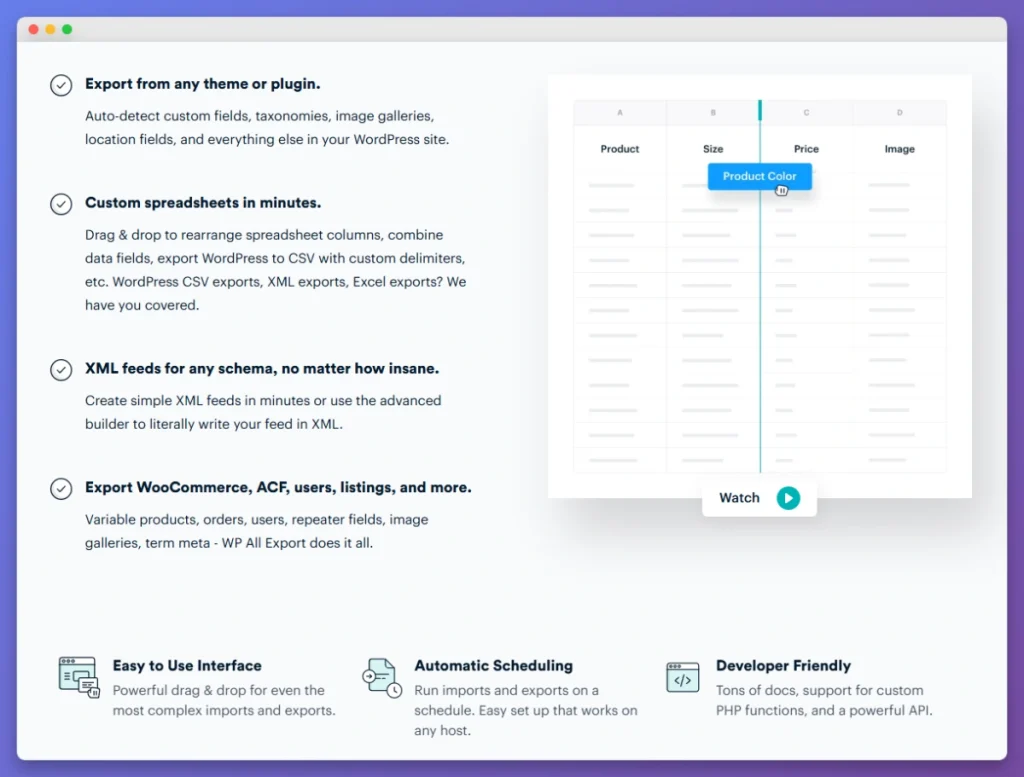
WP All Export is the most flexible WordPress export tool out there, with a drag-and-drop builder that lets you craft custom CSV, XML, or Excel layouts down to the field level. For WooCommerce data, you need both the core plugin ($99/year) and the WooCommerce Export Add-On ($169/year) — a combined $268/year.
What it does well:
- Most flexible custom field mapping in the category
- Drag-and-drop column ordering and labels
- Google Sheets integration for live data export
- 200,000+ active installs
The cost is the main friction. WP All Export at $268/year (effective WooCommerce cost) is over 6× Store Exporter Deluxe’s $39.50/year for comparable depth. Many WP.org reviewers call out the pricing model specifically.
Best for: Stores or agencies running mixed WordPress and WooCommerce projects, where the core plugin earns its keep outside WooCommerce too.
4. Advanced Order Export For WooCommerce (Free)
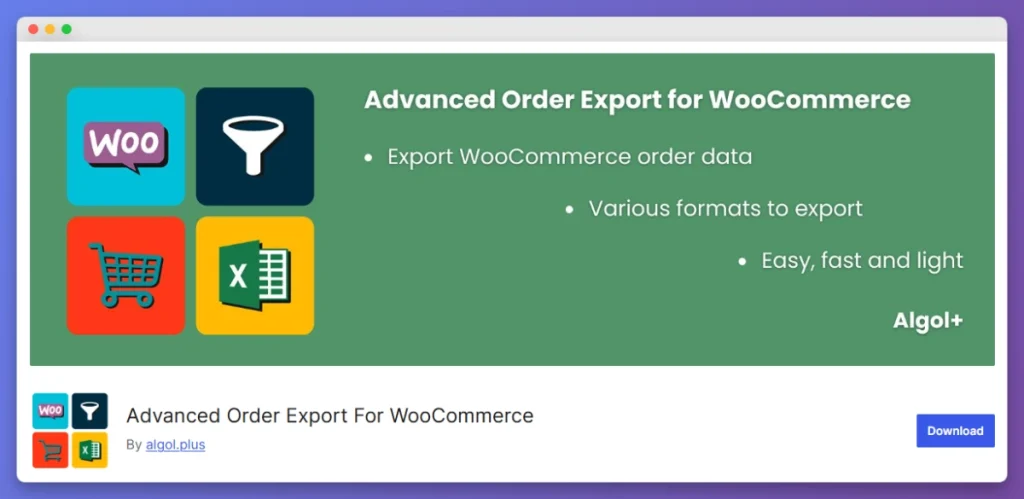
Advanced Order Export by Algoritmika is a free WordPress.org plugin focused on order exports. It supports CSV, XML, JSON, PDF, Excel, and HTML — the widest format range in the order-export niche.
Strengths:
- Free to install and run basic order exports
- Multi-format support including PDF for invoice-style exports
- Custom field mapping for orders, products, and coupons within order context
Limits:
- Orders only — no product, customer, or subscription exports
- Scheduled exports require the premium tier ($40/year)
- Free version performance can struggle on stores with 50,000+ orders
Best for: Free-tier stores with order-only export needs, particularly when PDF or HTML output is required.
How To Choose
- You need to export more than orders, customers, and coupons: Store Exporter Deluxe.
- You’re already on WebToffee for other plugins: WebToffee Order Import Export Suite.
- You’re an agency running mixed WordPress and WooCommerce projects: WP All Export.
- You only need order exports and want it free: Advanced Order Export.
- You need maximum WooCommerce extension coverage at the lowest price: Store Exporter Deluxe.
What We’ve Seen: Stores that start with the official Customer/Order/Coupon Export almost always outgrow it within 6–12 months. The trigger is usually one of three things: the accountant asks for product or subscription data and the official extension can’t provide it; a custom meta field needs exporting and the official extension has no way to map it; or the store starts using a third-party plugin (Subscriptions, vendor marketplace, custom product types) and that data sits outside the official extension’s scope. The smoothest upgrade path is Store Exporter Deluxe — same automated FTP and email delivery, with 18 data types and 5 formats from day one.
Bottom Line
The official WooCommerce Customer/Order/Coupon Export extension works for the simplest export use cases: three data types, two formats, $79/year. Most growing stores need more breadth, more formats, and lower cost. Store Exporter Deluxe covers 6× the data types, 2.5× the formats, and starts at half the price.
For broader context, see our 7 best WooCommerce export plugins comparison or the WP All Export alternatives roundup.
Frequently Asked Questions
What is the WooCommerce Customer/Order/Coupon Export extension?
It’s an official WooCommerce.com extension that exports customers, orders, and coupons in CSV or XML format, with optional automated sending via FTP, HTTP POST, or email. It’s built and maintained by the WooCommerce team and costs $79/year for a single-site license.
Can the official extension export WooCommerce products?
No. Customer/Order/Coupon Export only handles those three data types. To export products, you’d need WooCommerce’s free built-in product CSV exporter, or a full export plugin like Store Exporter Deluxe ($39.50/year) that handles all 18 WooCommerce data types in one place.
Does the official extension support subscriptions?
No. The official Customer/Order/Coupon Export extension does not include WooCommerce Subscriptions data. For subscription exports, Store Exporter Deluxe has native subscription support, and WebToffee’s Suite includes basic subscription handling.
Why is Store Exporter Deluxe cheaper than the official WooCommerce extension?
Store Exporter Deluxe is built by Visser Labs (acquired by Rymera Web Co), an independent WooCommerce plugin developer focused exclusively on export and import functionality. The lower $39.50/year price reflects a leaner pricing model than WooCommerce.com’s marketplace structure — while still offering more data types, more formats, and more integrations than the official extension.
Can I export historical orders that existed before installing an export plugin?
Yes, but only with manual exports. The official extension’s recurring automated exports only catch new orders placed after activation. Manual exports work for any historical data. Store Exporter Deluxe handles both: manual one-click exports of historical data and scheduled automated exports for ongoing data.
What format should I use to export WooCommerce orders?
For most stores, CSV is the best format. It opens in Excel, Google Sheets, accounting software, and any data tool. XLSX is best when you need formatting or formulas. XML is for system-to-system data transfer (ERPs, marketplaces). The official Customer/Order/Coupon Export extension supports CSV and XML only. For Excel, XLSX, and TSV support, see our format comparison guide.
Can I schedule WooCommerce exports to run automatically?
Yes. The official extension, Store Exporter Deluxe, WebToffee’s Suite, and WP All Export all support scheduled exports. Store Exporter Deluxe lets you schedule at any interval (daily, weekly, monthly) with delivery via email attachment, FTP/SFTP, or cloud endpoint POST. See our WooCommerce export orders guide for full setup steps.
Which alternative supports the most WooCommerce extensions?
Store Exporter Deluxe supports 125+ WooCommerce plugin integrations, including Subscriptions, Bookings, Brands, vendor marketplace plugins (WC Vendors, Dokan, WCFM), custom product types, ACF, and Yoast SEO. WebToffee’s Suite supports about 30 integrations. The official Customer/Order/Coupon Export extension does not have third-party plugin integrations.