
Checkout Guard is the simple way to stop one specific person from ordering on your WooCommerce store. Block by name, email, or IP address, save, and they won't be able to order. No risk scoring, no external APIs, no rules engine. A block list that works at checkout.
$49/ year · Single site license
✓ Instant Download✓ 14-day Guarantee✓ Expert Worldwide Support
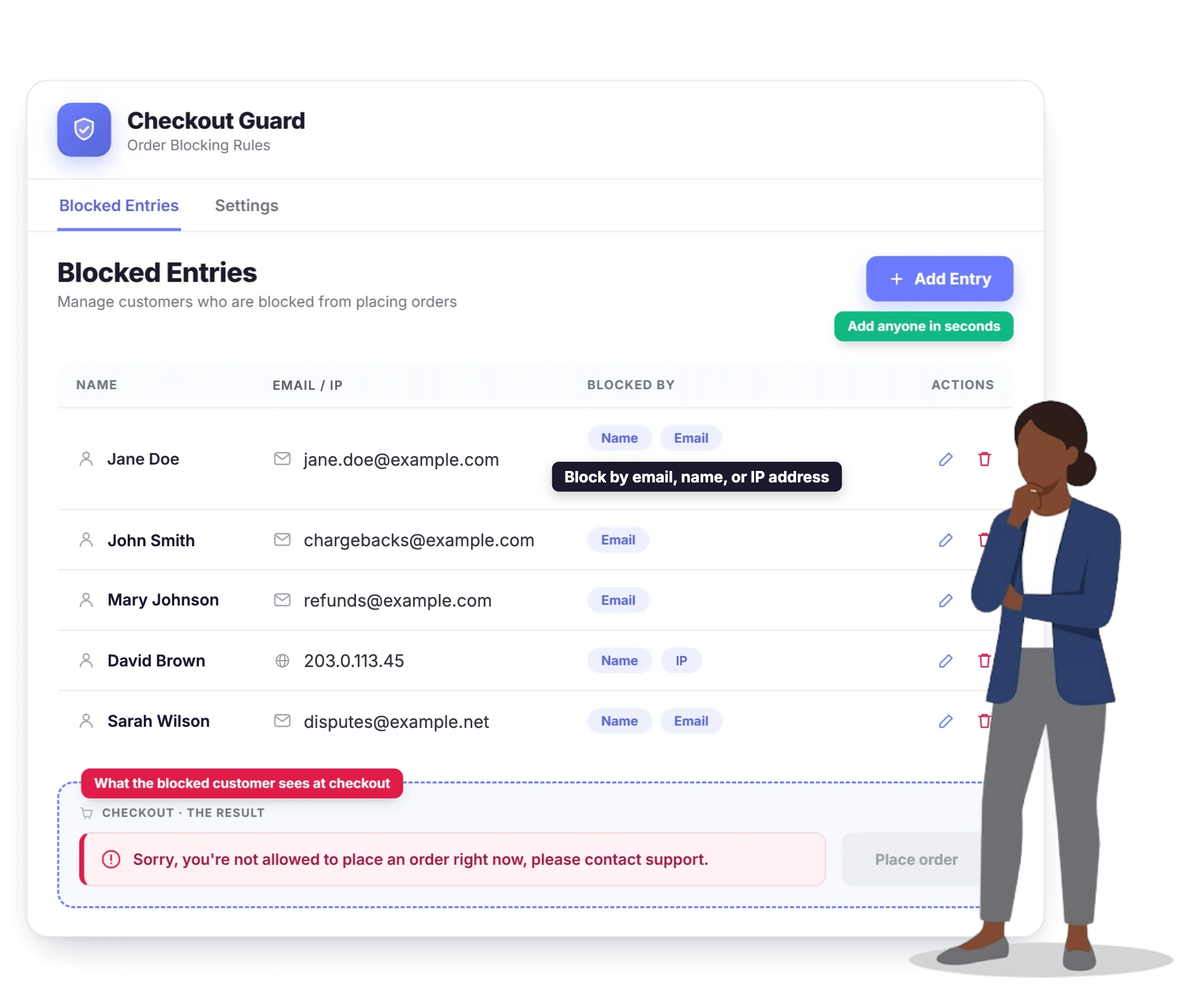
🛡 Blocks right at checkout
⚡ No external APIs
💳 Works with every gateway
📝 A note on every block
We're excited to have you join the Visser Labs family! Complete your checkout now & save!
If you have any questions, please reach out to our support team!

14-day 100% money back guarantee. Expert email support included.

We’re excited to have you experience our tools. Over the next 14 days, if Visser Labs tools are not the best fit, simply reach out! We’ll happily refund 100% of your money. No questions asked.
Joshua Kohlbach
Josh Kohlbach – CEO of Visser Labs
What it does
Checkout Guard blocks spam orders, fake orders, and the customers you already know cause trouble. Add an email, an IP address, or a first and last name together, and Checkout Guard denies the order the moment that customer tries to check out. No payment is attempted. No order is created. Your store stays clean.
Most WooCommerce fraud prevention plugins are built for risk scoring at scale. They run IP reputation lookups, call external APIs, and ask you to configure rules. That is overkill when the real problem is one chargeback abuser, one wave of fake orders from a bogus address pattern, or one customer support has flagged twice already. Checkout Guard is the tool for that job. Block a customer, write a note about why, and move on.
It was built internally for the Visser Labs store and is now packaged as a standalone plugin. The plugin behind it has been load-tested against the same WooCommerce checkout flow our team uses every day.
Common use cases
Five scenarios where a simple block list beats a full fraud-prevention stack.
A buyer who has filed a chargeback or abused refunds once will often try again. Block their email and they cannot place a new order.
When one email pattern or name is hitting your store with bogus orders, add it to Checkout Guard and stop the loop before it costs you in failed-payment fees.
Mismatched billing and shipping, addresses that fail validation, names that do not match the country. Block the customer and move on with your day.
Abusive, threatening, or repeatedly fraudulent buyers. Add them to Checkout Guard once and they cannot order from you again.
Keep test buyers and internal staff orders off your live order count and reporting. Block their email during testing, remove it later if you want.
Checkout Guard is built for the times you just need to stop one specific person from ordering.
How it helps
A focused toolset that does one job, with nothing extra to configure.
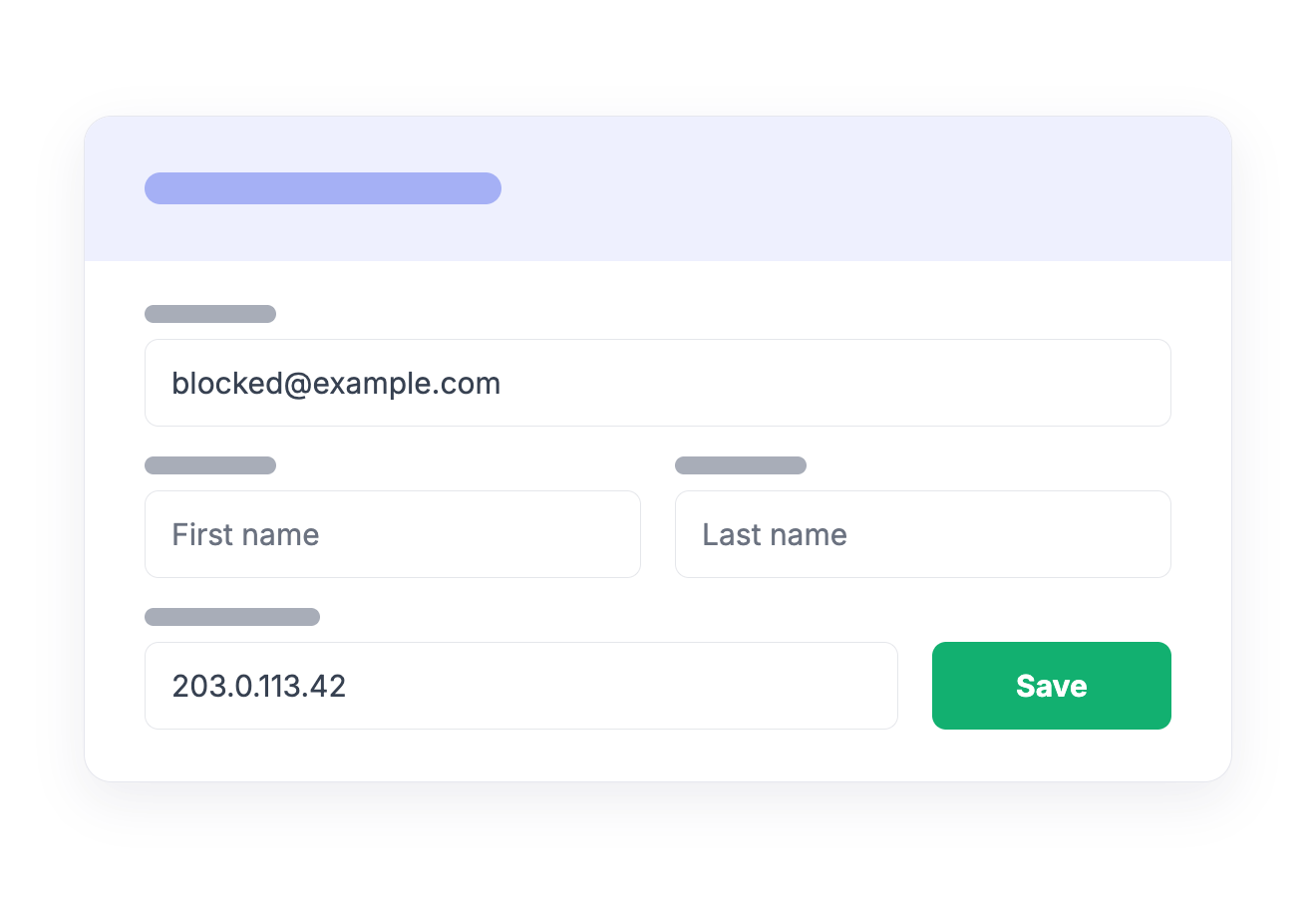
Add an email address, an IP address, or a first and last name together. Any one of those is enough on its own. The order is denied the moment that customer reaches checkout, logged in or as a guest.
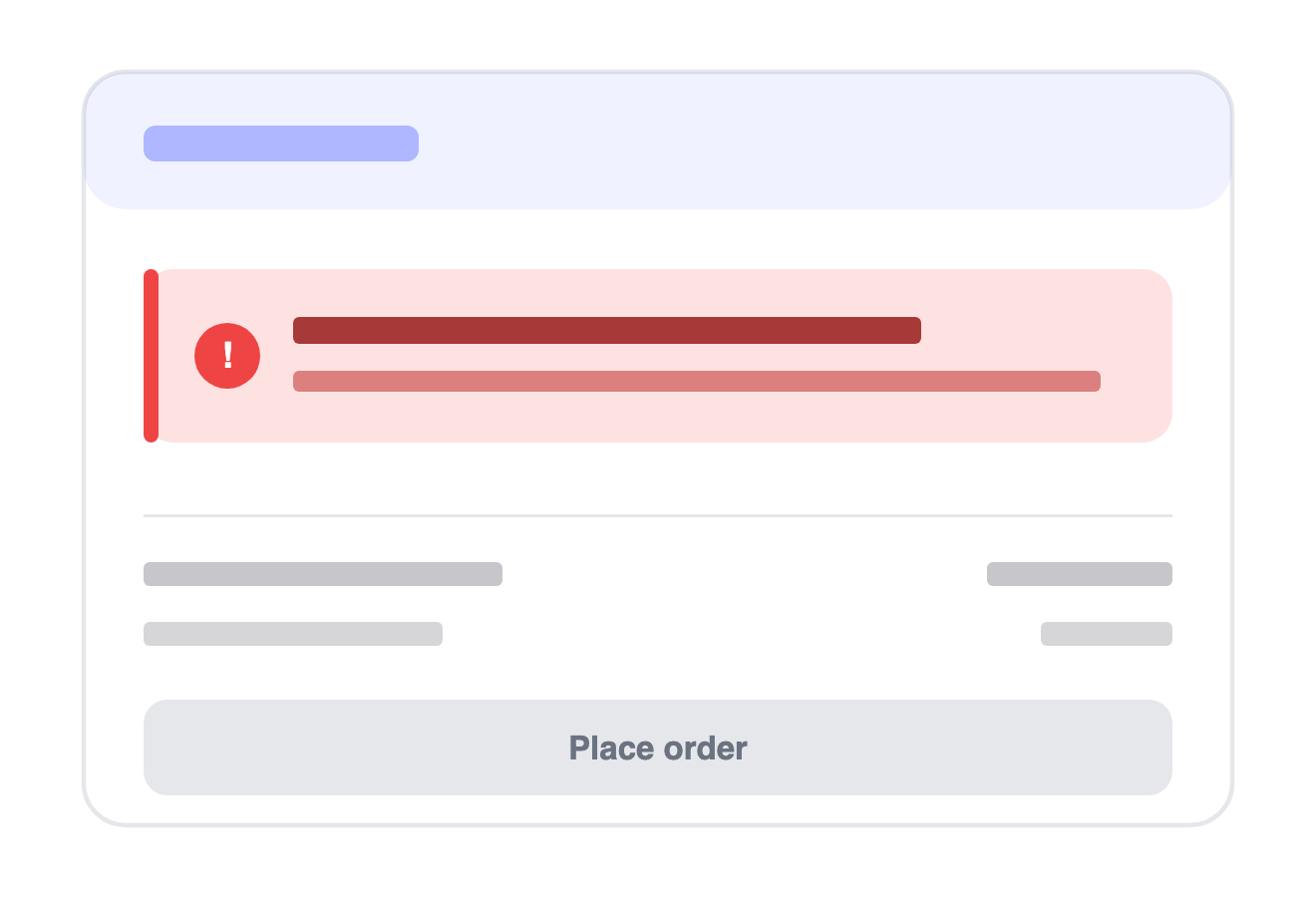
You write the denial message shown at checkout. Keep it neutral or keep it firm. Your store, your wording. The block happens before payment is attempted, so it works with every gateway you run.
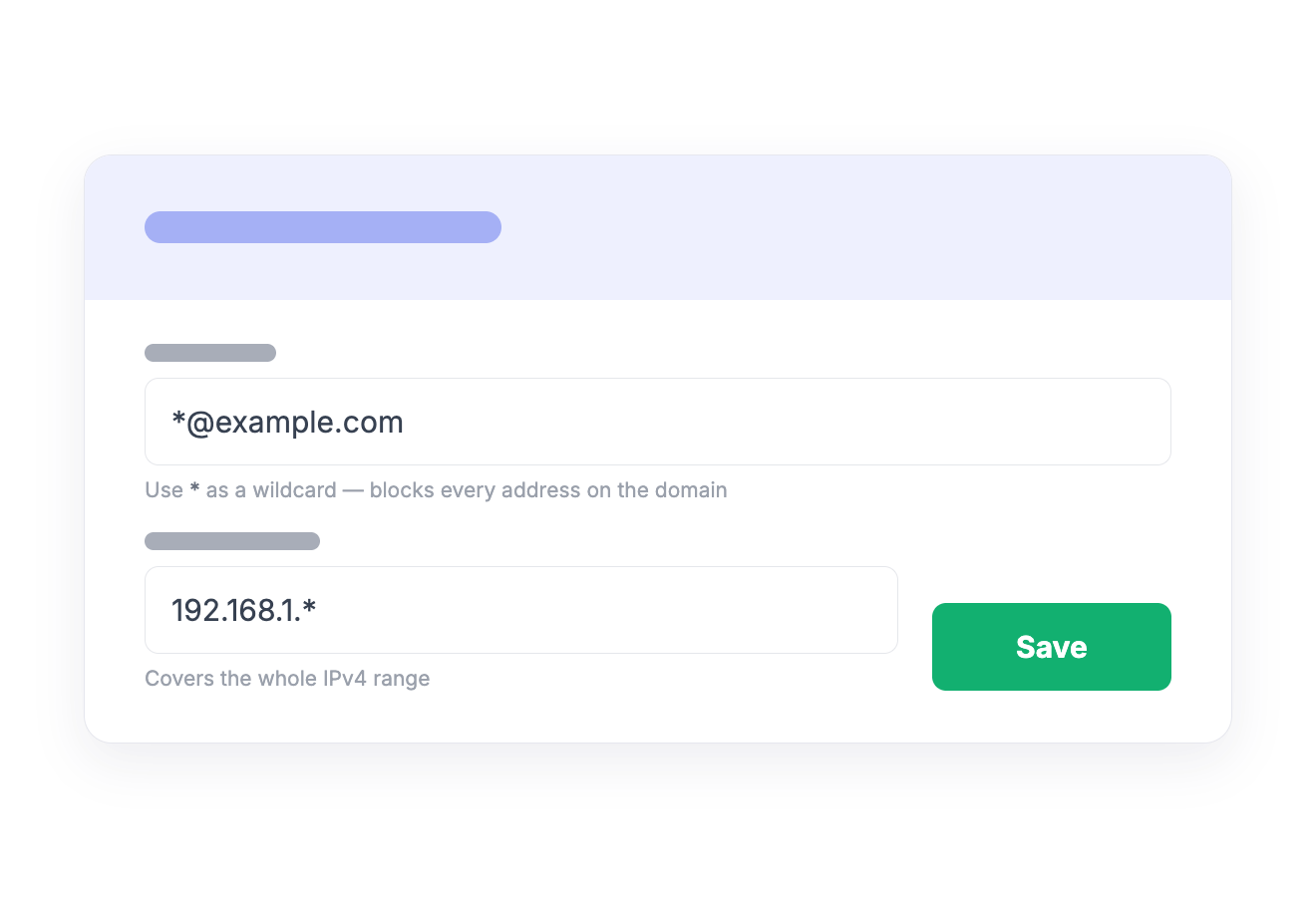
A single * turns an entry into a pattern. *@example.com stops every address on a throwaway domain, and 192.168.1.* covers a whole IPv4 range. You choose the reach deliberately, rather than a similarity score choosing it for you.
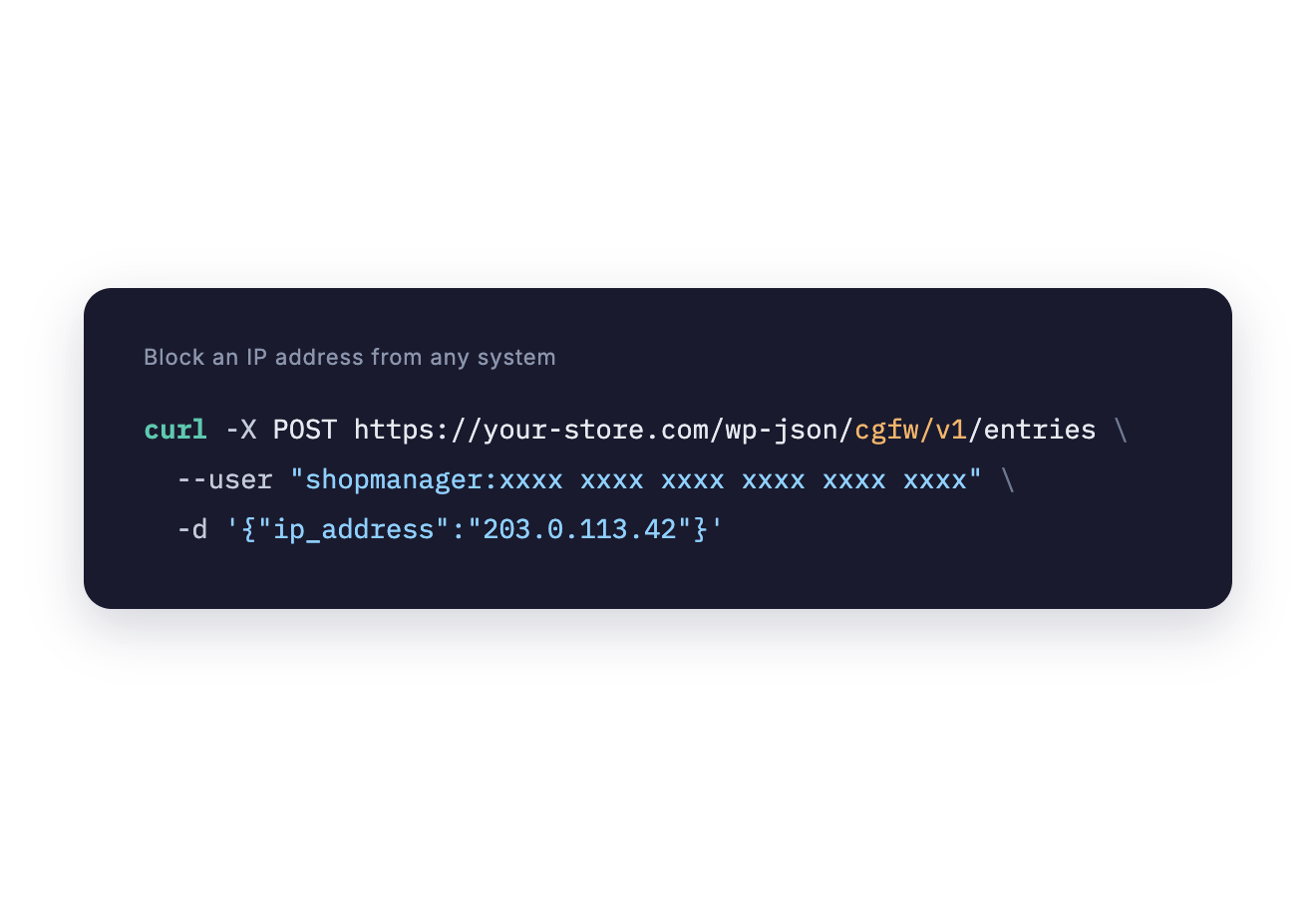
Checkout Guard's REST API lets a fraud service, a helpdesk automation, or your own script add and remove rules without anyone opening WordPress. Machine callers authenticate with a WordPress application password.
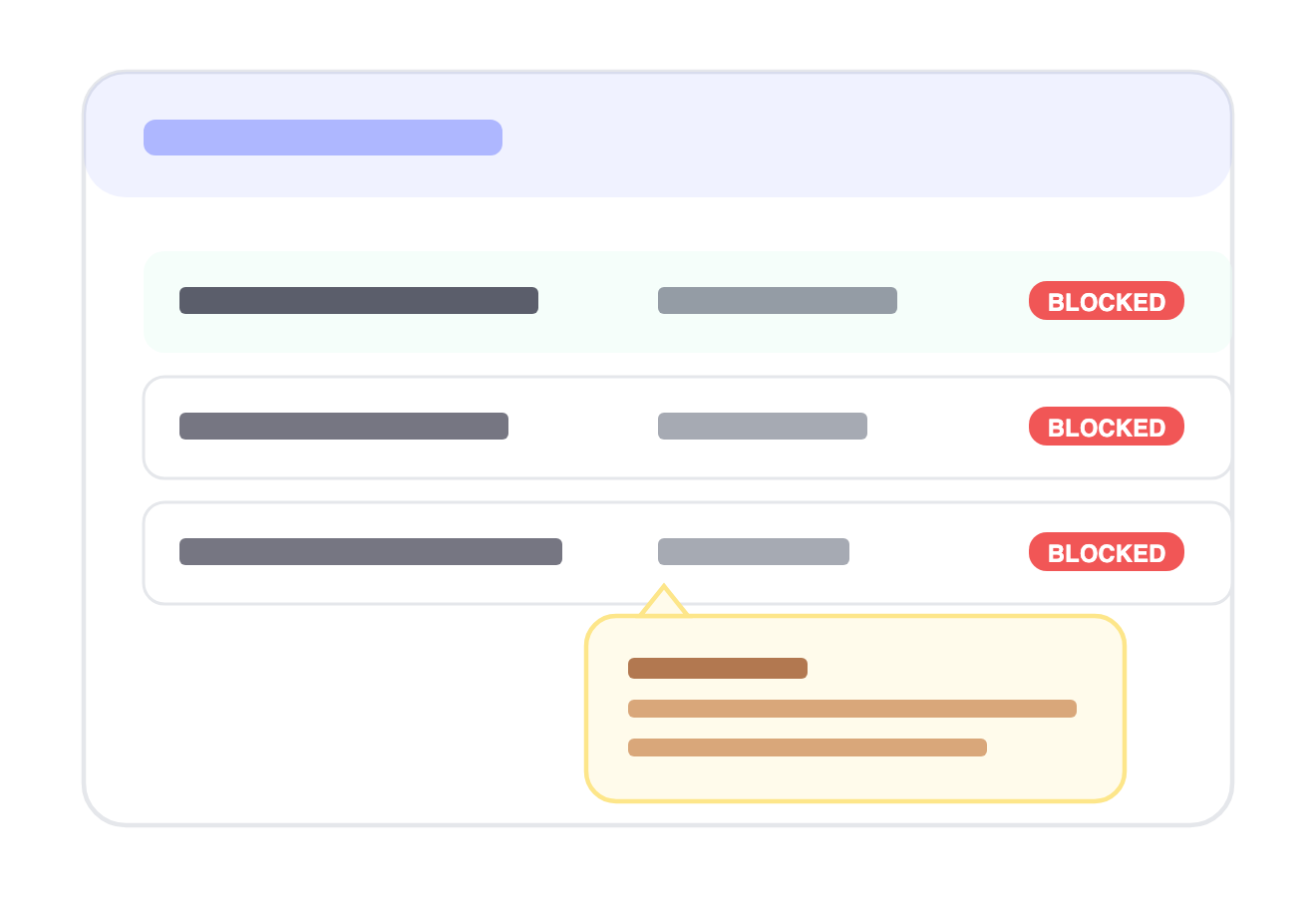
Add, edit, and remove blocked entries from a single screen under WooCommerce. The list records who added each entry, so you, or your team, can see exactly who blocked whom, even months later.
How it works
No setup wizard. No rules to configure. The whole plugin is about adding entries to a list.
Upload the plugin to your WooCommerce store, activate it, and paste your license key. You will see a new Checkout Guard menu under WooCommerce.
Enter an email address, an IP address, or a first and last name together. Save.
That customer cannot place an order. They see the custom denial message you set. No payment is attempted, no order is created.
Pricing
One plan. Everything included. No surprises.
Single Site License
$49
per year · 1 site
FAQ
Everything else worth knowing before you buy. Still stuck? We're happy to help.
You may also like

Export your WooCommerce orders, products, customers, and more to CSV, TSV, XLS, or XML. Trusted on 20,000+ stores since 2011.
$49/year