

Most store owners looking for WP All Import alternatives aren’t unhappy with the plugin. They’re paying for a general-purpose WordPress importer when what they need is product importing, and WooCommerce product support means buying the Pro edition plus a separate WooCommerce add-on. If your job is a weekly product CSV, that’s more tool than the task requires.
WP All Import is genuinely capable. It has 100,000+ active installations and a 4.7 rating on WordPress.org, reads CSV, XML, Excel, and Google Sheets, and supports custom PHP functions during import. The question is whether you need that range.
In this article, we’ll cover the four WP All Import alternatives worth considering for WooCommerce, starting with the free importer you already have, plus what each one keeps behind a paid tier. Let’s break it down.
Table of Contents
Why Store Owners Look For WP All Import Alternatives
Store owners look for WP All Import alternatives for three reasons: the WooCommerce support sits behind a second purchase, the features they actually want are Pro-only, and the interface is built for a wider job than product importing. None of those are faults. They’re the trade-offs of a general-purpose tool.
WooCommerce support is a separate purchase
WP All Import has a free version on WordPress.org, and so does its WooCommerce add-on. The features most stores are shopping for sit in the Pro editions of both, so a WooCommerce product workflow usually means paying for two pieces rather than one.
Check the current licensing before you compare, because the pricing model has changed over time. Price the combination you’d actually need, not the base plugin alone.
The features you want are Pro-only
Recurring and cron-scheduled imports, importing from a URL, and custom PHP functions are all Pro features. Through the WooCommerce add-on, variable, grouped, and external products are too.
That matters because scheduling and remote sources are usually the whole reason a store leaves the free built-in importer in the first place.
It’s built for a wider job than products
WP All Import maps any post type, which is its strength and its cost. If you’re importing an XML feed you’ll work with XPath expressions to target the right nodes, and third-party plugin fields often need extra configuration.
For a plain CSV the mapping is drag-and-drop and no XPath is involved. The complexity shows up with feed-based imports and stores running Subscriptions, Bookings, or custom product meta.
4 WP All Import Alternatives For WooCommerce
These four WP All Import alternatives cover the realistic options for WooCommerce product importing, starting with the free tool already on your store. Each one is described by what it does rather than ranked, because the right pick depends on your file format and whether the import repeats.
1. WooCommerce built-in CSV importer (free)
Start with what you already own. WooCommerce ships with a product CSV importer that does more than its reputation suggests: it creates and updates products, matches existing ones by ID or SKU, auto-maps recognized column headers, accepts a file path on your own server, and imports custom data through meta: prefixed columns.
What it genuinely can’t do is schedule an import, fetch a file from a URL, set image alt text, or assign a specific post ID. Variations import through a two-step parent and child process, and large catalogs need splitting into batches to stay inside your server’s PHP memory and execution limits, which WordPress’s common errors documentation covers raising.
Where it fits: product imports you run yourself from a file you already have, including repeat updates by SKU. For the full walkthrough, see our guide to importing WooCommerce products from a CSV file.
2. WebToffee Product Import Export for WooCommerce
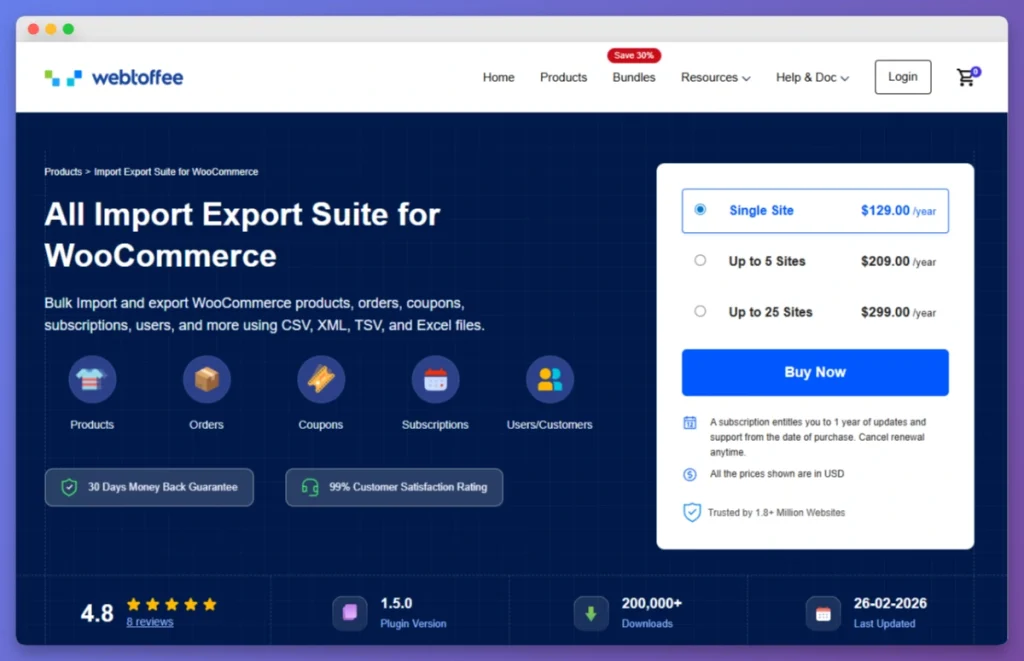
WebToffee Product Import Export has 80,000+ active installations and a 4.6 rating on WordPress.org, and it covers products, orders, users, and coupons rather than products alone. Its free tier handles CSV product imports and includes advanced filtering, which is more than most free tiers offer.
The paid tier is where the rest sits: variable and subscription products, XML and Excel files, scheduling, FTP, and URL imports.
Where it fits: stores wanting one plugin across several data types. If your catalog has variations, plan on the premium tier from the start rather than growing into it.
3. WP Ultimate CSV Importer
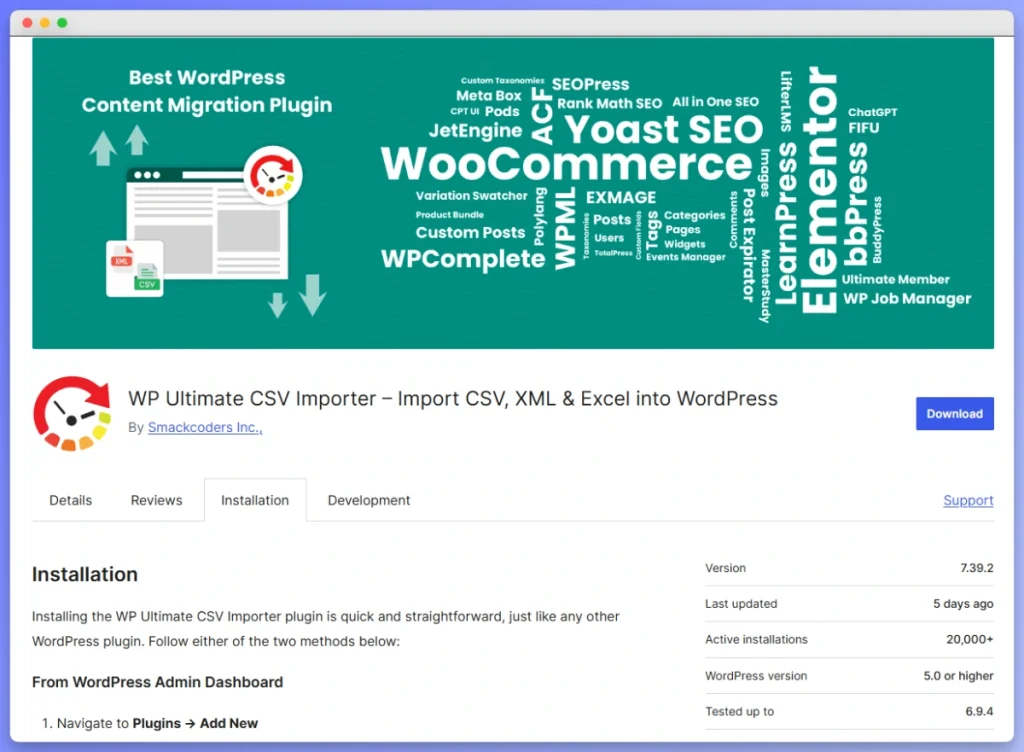
WP Ultimate CSV Importer has 20,000+ active installations and a 4.4 rating, and it’s the closest of these WP All Import alternatives in spirit to WP All Import itself, because it also imports posts, pages, and users alongside products. It reads the widest range of files here: CSV, XML, Excel, TSV, ZIP, and Google Sheets, from upload, URL, or FTP.
The free tier covers simple products only. Variable products and scheduling are Pro features, so a store with variations starts on Pro.
Where it fits: imports spanning several content types, or a supplier file in a format the other tools won’t read.
4. WooCommerce Product CSV Import Suite
Product CSV Import Suite is the official paid extension from the WooCommerce team, and its appeal is first-party compatibility. It imports simple and variable products, handling variations through a separate variations CSV, plus custom fields and taxonomies.
The feature set is the narrowest on this list: CSV only, no scheduling, and no remote URL import. Its WooCommerce.com rating also sits low on a small number of reviews, so weigh it against the free built-in importer before paying.
Where it fits: one-time CSV migrations where you want an officially maintained extension and don’t need automation.
Feature Comparison: WP All Import Alternatives At A Glance
These WP All Import alternatives separate on three things: which file formats they read, whether they can fetch a file remotely, and what the free tier actually includes. Compare the row that matches your workflow rather than counting features.
Compiled from WordPress.org listings and each tool’s official documentation in 2026. Vendor pricing changes by tier and promotion often enough that we’ve listed the cost model instead of figures, so check each vendor directly.
| Feature | WP All Import | Built-in WooCommerce | WebToffee | WP Ultimate CSV Importer | Product CSV Import Suite |
|---|---|---|---|---|---|
| Active installs | 100,000+ | Ships with WooCommerce | 80,000+ | 20,000+ | Paid extension |
| Rating | 4.7 | N/A | 4.6 | 4.4 | Low, few reviews |
| File formats | CSV, XML, Excel, Google Sheets | CSV | CSV free, XML and Excel premium | CSV, XML, Excel, TSV, ZIP, Google Sheets | CSV |
| Import sources | Upload, URL (Pro) | Upload or server file path | Upload, URL and FTP premium | Upload, URL, FTP | Upload |
| Variable products | Via WooCommerce add-on | Two-step parent and child import | Premium only | Pro only | Via separate variations CSV |
| Update existing products | Yes | Yes, by ID or SKU | Yes | Yes | Yes |
| Custom field support | Yes, may need configuration | Via meta: columns | Varies by tier | Pro only | Yes |
| Scheduled imports | Pro only | No | Premium only | Pro only | No |
| WooCommerce support | Separate add-on | Native | Native | Native | Native, official |
| Cost model | Free tiers plus two Pro editions | Free | Free tier plus paid tiers | Free tier plus Pro | Paid extension |
The pattern worth noticing: scheduling sits behind a paid tier in every option that offers it at all. If automation is why you’re switching, that’s the line item to price, not the base plugin.
When To Choose Each Alternative
Choose by your file format and whether the import repeats. A CSV you upload yourself, even repeatedly, is covered by the free built-in importer. A supplier feed arriving at a URL on a schedule is what pushes you into a paid tier, whichever tool you pick.
- Free, and you upload the file yourself: the built-in WooCommerce importer, including SKU-matched updates.
- Products plus orders, users, or coupons: WebToffee, on the tier your product types require.
- An unusual file format, or non-product content too: WP Ultimate CSV Importer, which reads the widest range here.
- An officially maintained extension for a one-time CSV job: Product CSV Import Suite.
- XML feeds, custom PHP transforms, or multiple post types: WP All Import still fits that job better than the alternatives here.
What We’ve Seen: The most common mistake in switching import tools is assuming the free built-in importer can’t update products. It can, by ID or SKU, which means a lot of stores paying for a plugin are paying for scheduling and remote file sources rather than for importing itself. Work out which of those two you actually need before you compare tiers.
Replacing WP All Export At The Same Time
WP All Import is usually bought alongside WP All Export, so replacing one often means replacing both. That’s worth planning together, because the export side is where most of your data actually leaves the store, whether for a backup, a supplier feed, or an accountant’s spreadsheet.
Why the export half is worth more attention
An export is how you build an accurate import file in the first place. Your own data already carries the correct field names, attribute slugs, and SKU formatting, which removes the mapping guesswork that causes an importer to write to the wrong field.
It’s also your rollback. If an update writes bad prices across your catalog, the export you took beforehand is what restores the correct values.
How Store Exporter Deluxe covers the export side
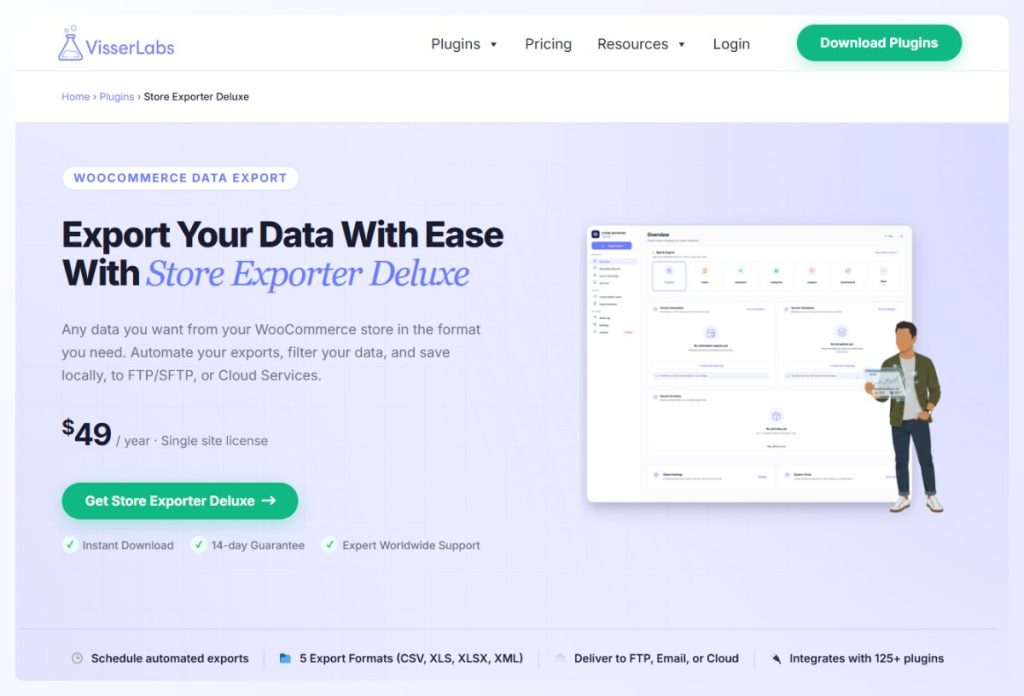
Store Exporter Deluxe exports products, orders, customers, coupons, subscriptions, reviews, categories, and attributes across 125+ plugin integrations, to CSV, TSV, XML, or Excel. It’s $49/yr for a single site with a 14-day money-back guarantee, and it exports rather than imports, so it pairs with whichever importer you choose above.
If you’re weighing the two export tools specifically, our side-by-side look at how each one exports WooCommerce data covers the differences in detail.
Conclusion
The right choice among these WP All Import alternatives comes down to one question: are you buying a general-purpose import tool, or WooCommerce product importing? If your imports involve XML feeds, custom PHP, or several post types, WP All Import earns its price. If they involve a product CSV, you have cheaper options, starting with free.
Here’s a quick recap of what we covered:
- Why stores look for alternatives: two Pro purchases, Pro-only features, and a wider feature set than product work needs
- Four WP All Import alternatives, starting with the free importer already on your store
- What the built-in importer genuinely does, including SKU-matched updates and
meta:columns - Which tool fits which file format and workflow
- Why the export half deserves planning at the same time
If you’re ready to replace the export side of your setup as well, see how Store Exporter Deluxe handles your store’s data.
Frequently Asked Questions
What is the cheapest WP All Import alternative for WooCommerce?
The cheapest WP All Import alternative is the WooCommerce built-in CSV importer, which is free and already installed on your store. It imports and updates products, matching existing ones by ID or SKU, so it covers more than one-time imports. You only need to pay for an alternative once you require scheduling or imports from a remote URL.
Can you import variable products without WP All Import?
Yes, you can import variable products without WP All Import. The built-in WooCommerce importer handles variations through a two-step parent and child import, Product CSV Import Suite uses a separate variations CSV, and both WebToffee and WP Ultimate CSV Importer keep variable products in their paid tiers. Test one parent product with several variations before committing to any tool.
Is WP All Import worth the price for WooCommerce?
WP All Import is worth its price when your imports go beyond WooCommerce products. XML feed mapping, custom PHP transforms during import, and importing several post types in one tool are the capabilities that justify it. For product CSV work alone, the WP All Import alternatives above cover the same ground for less, and note that WooCommerce product support requires the separate add-on.
Do you need to re-map your import templates if you switch from WP All Import?
Yes, you’ll need to set up your mapping again, because each plugin stores import templates in its own format. The work is smaller than it sounds if your file uses recognizable column headers, since the built-in WooCommerce importer auto-maps the ones it recognizes and leaves only the rest to you.
Which WP All Import alternative handles custom product fields best?
For custom product fields, the built-in WooCommerce importer handles arbitrary custom data through meta: prefixed columns, provided you know the meta key you’re targeting. WebToffee’s coverage varies by tier and WP Ultimate CSV Importer keeps custom fields in its Pro version. If your fields come from a specific plugin, check that plugin’s documentation for the key names before choosing.
Do you need separate plugins for WooCommerce import and export?
Not always, though the pairing is common. WebToffee and WP Ultimate CSV Importer cover both directions in one plugin, while WP All Import and WP All Export are sold as two. Store Exporter Deluxe covers the export side only, so it pairs with the importer of your choice, including the free built-in one.