The best WebToffee alternatives for WooCommerce import and export are the built-in WooCommerce CSV tools, Store Exporter Deluxe on the export side, WP All Import with WP All Export, WP Ultimate CSV Importer, and Advanced Order Export for WooCommerce. WebToffee bundles both directions into one plugin, so replacing it usually means deciding whether you need that bundle at all or just one half of it.
WebToffee Import Export Suite is a widely used WooCommerce plugin with 80,000+ active installations and a 4.6 rating on WordPress.org. It covers products, orders, coupons, subscriptions, and customers, and its free tier handles CSV product imports with advanced filtering included.
In this guide, we’ll compare five WebToffee alternatives on what each one actually covers, which half of the job it does, and what sits behind a paid tier. Let’s break it down.
Table of Contents
Why Store Owners Look For WebToffee Alternatives
Store owners look for WebToffee alternatives for two main reasons: they only need one direction, or the features they want sit in a paid tier. WebToffee’s free version handles CSV product imports, but variable products, subscriptions, XML and Excel files, scheduling, FTP, and URL imports are all premium. If you’re paying for the bundle to get scheduled exports, you’re also paying for an importer you may never open.
The other reason is plugin coverage. Stores rarely run WooCommerce alone, and export data is only useful if it includes the fields your subscriptions, bookings, or brands plugins wrote.
Work out which half you need before you compare. That single decision removes most of the options below.
5 WebToffee Alternatives For WooCommerce Import Export
These five WebToffee alternatives cover the realistic options, starting with the free tools already on your store. Each one is described by what it does rather than ranked, because some replace WebToffee’s import half, some replace the export half, and only a couple attempt both.
1. WooCommerce native CSV import and export (free)
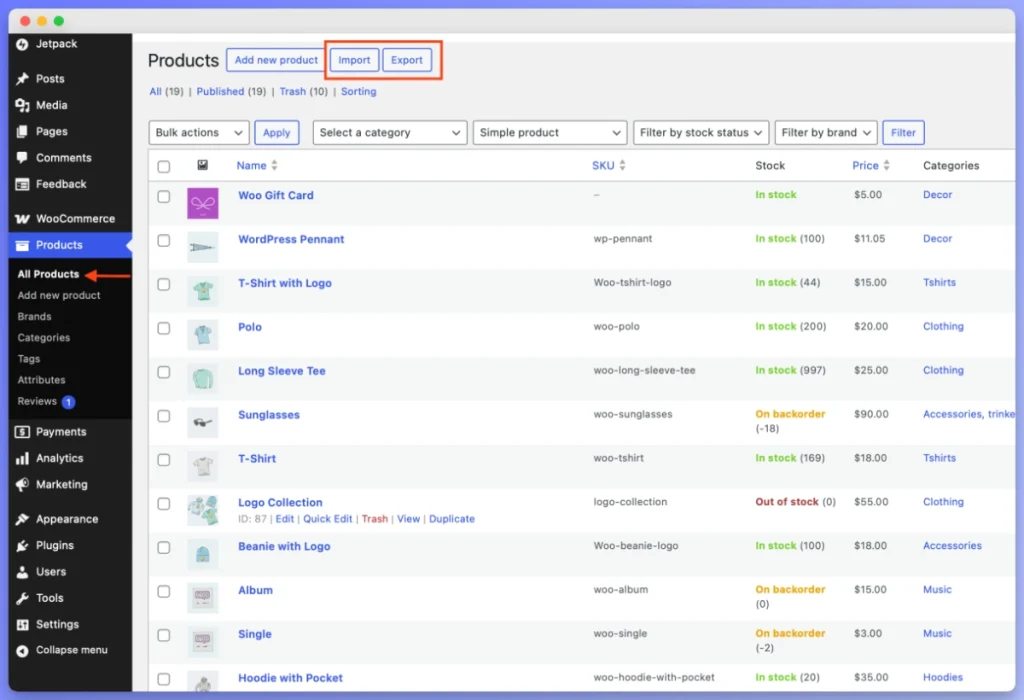
Start with what you already own. WooCommerce ships with a product CSV importer and exporter under Products in your dashboard, and the importer does more than its reputation suggests: it creates and updates products, matches existing ones by ID or SKU, auto-maps recognized column headers, accepts a file path on your own server, and imports custom data through meta: prefixed columns.
The limits are scope and format. Products only, CSV only, no scheduling, and no fetching a file from a URL. Orders, customers, subscriptions, and coupons are outside it entirely, which is the gap WebToffee fills.
Where it fits: product work you run yourself, including repeat updates matched on SKU. Check this before paying for anything, because a paid plugin adds nothing to a job the free tool finishes.
2. Store Exporter Deluxe (export side)
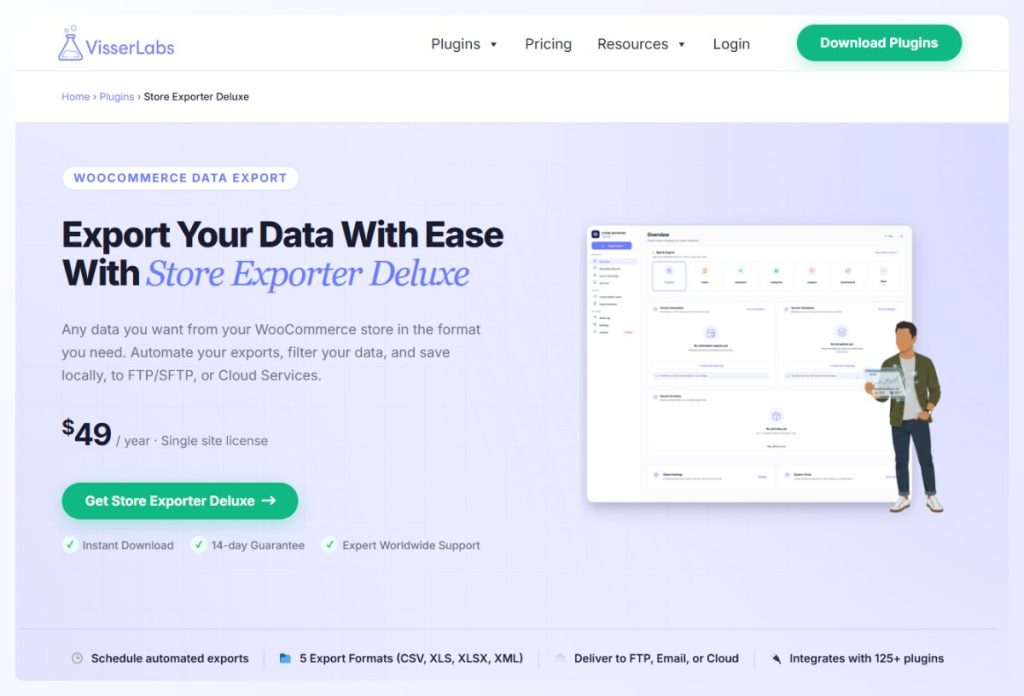
Store Exporter Deluxe replaces WebToffee’s export half rather than the whole plugin, so it suits stores whose real need is getting data out. It exports orders, products, customers, subscriptions, coupons, categories, tags, brands, reviews, bookings, shipping classes, attributes, vendor commissions, events, and tickets, in CSV, TSV, XLS, XLSX, or XML.
- 125+ plugin integrations: pulls fields written by extensions like WooCommerce Subscriptions, Bookings, and Brands, so third-party data lands in the file.
- Scheduled exports: run on a schedule and deliver by email attachment, remote FTP or SFTP, a fixed file path, or a POST to a cloud endpoint.
- Templates and filtering: save an export configuration for reuse, and filter orders by ranges like today, this week, last month, or a manual date selection.
Where it fits: reporting, accounting, and supplier feeds, particularly on stores running several extensions. It’s $49/yr for a single site with a 14-day money-back guarantee. It doesn’t import, so pair it with the native importer or one of the tools below for the return trip.
3. WP All Import and WP All Export
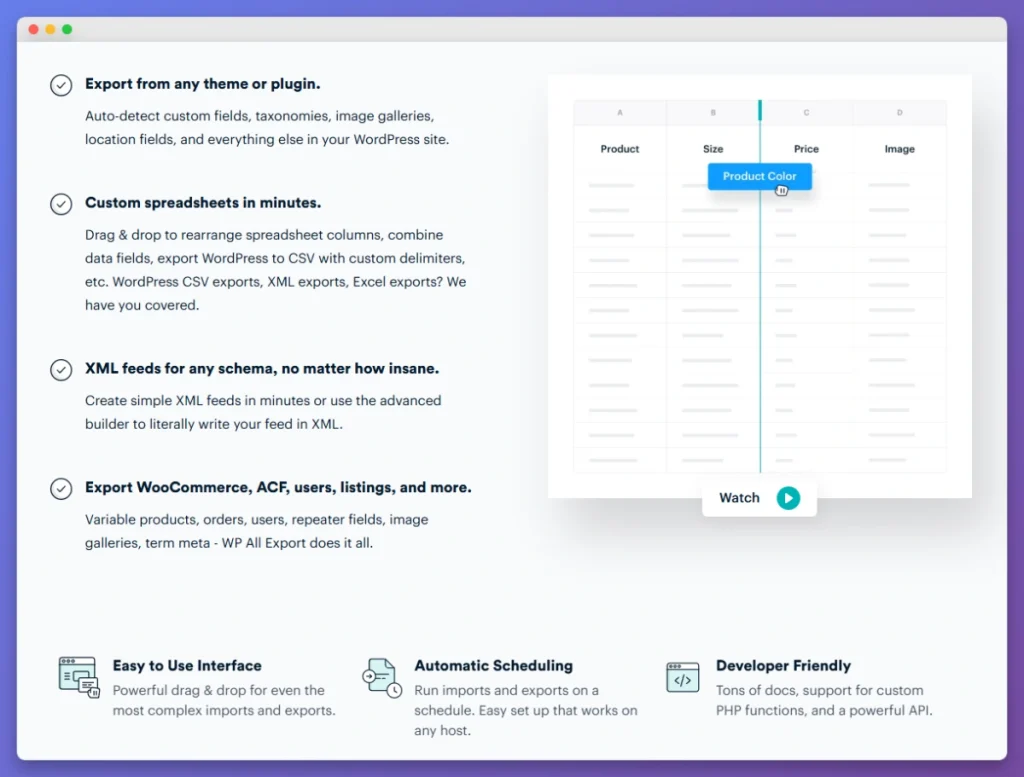
WP All Import and WP All Export are general-purpose WordPress tools that cover both directions, with 100,000+ active installations and a 4.7 rating on the import side. They read CSV, XML, Excel, and Google Sheets, and their drag-and-drop mapping handles source files with non-standard column headers without writing code.
What to watch for: import and export are separate products, and WooCommerce support comes from a further add-on, so a full setup means several purchases. Scheduling, URL imports, and custom PHP functions are Pro features.
Where it fits: stores mapping irregular files, or moving non-WooCommerce content alongside products. Our side-by-side look at how each tool exports WooCommerce data covers the export half in detail.
4. WP Ultimate CSV Importer
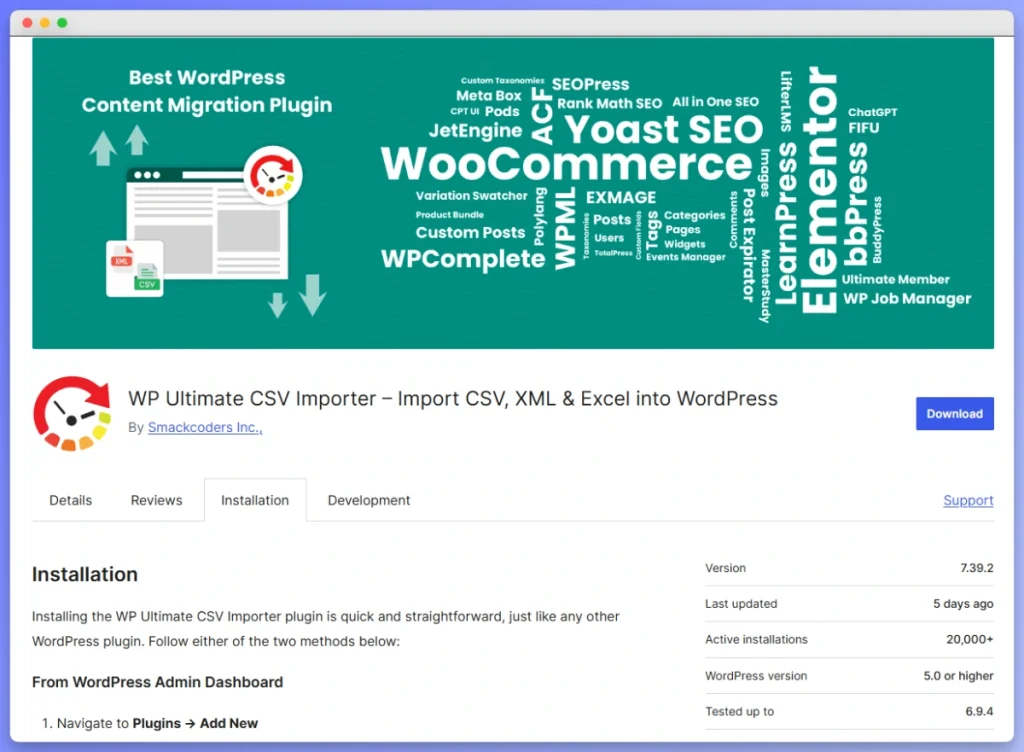
WP Ultimate CSV Importer has 20,000+ active installations and a 4.4 rating, and it reads the widest range of files among these WebToffee alternatives: CSV, XML, Excel, TSV, ZIP, and Google Sheets, from upload, URL, or FTP. It also covers posts, pages, and users, not products alone.
What to watch for: it leans toward the import side, and its free tier covers simple products only. Variable products, custom fields, and scheduling are Pro features.
Where it fits: mixed content imports, or a supplier file in a format the other tools won’t read.
5. Advanced Order Export for WooCommerce
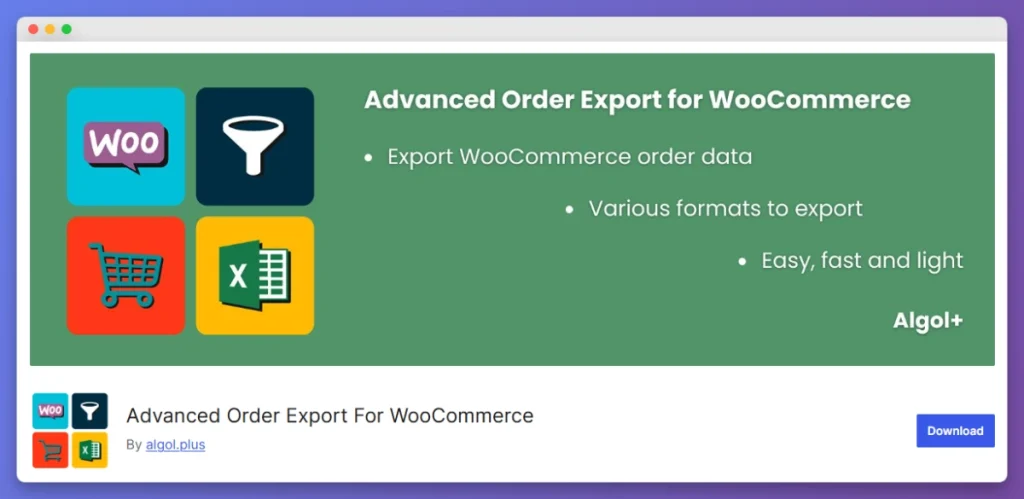
Advanced Order Export for WooCommerce is a free plugin that does one job: getting order data out. It supports several file formats and lets you filter exports by date range, order status, product, and custom fields, which covers most accounting and fulfillment requests.
What to watch for: orders only. No product imports, no customer or subscription exports, and no import side at all, so it isn’t a full replacement for a bundled suite.
Where it fits: stores whose only real requirement is a filtered order export, at no cost.
Feature Comparison: WebToffee Alternatives At A Glance
These WebToffee alternatives separate on direction, entity coverage, and what the free tier includes. Read the row that matches your job rather than counting features, because a tool covering one direction well may beat one covering both thinly.
Compiled from WordPress.org listings and each tool’s official documentation in 2026. Store Exporter Deluxe pricing is confirmed. Competitor pricing changes by tier and promotion often enough that we’ve listed the cost model instead of figures, so check each vendor directly.
| Feature | WebToffee Suite | Store Exporter Deluxe | WP All Import / Export | Native WooCommerce |
|---|---|---|---|---|
| Direction | Import and export | Export only | Import and export | Import and export |
| Export formats | CSV, XML, TSV, Excel | CSV, TSV, XLS, XLSX, XML | CSV, XML, Excel | CSV |
| Products | Yes | Yes | Yes | Yes |
| Orders and customers | Yes | Yes, export | Yes | No |
| Subscriptions | Premium | Yes, export | Yes | No |
| Reviews and bookings | Reviews yes | Yes, export | No | No |
| Scheduled runs | Premium | Yes, with email, FTP or SFTP, and cloud delivery | Pro only | No |
| Plugin integrations | Selected plugins | 125+ | Generic custom mapping | Via meta: columns |
| Free tier | CSV product import with filtering | Free Store Exporter on WordPress.org | Free core, Pro for most features | Included with WooCommerce |
| Cost model | Free tier plus paid tiers | $49/yr single site | Separate products plus add-on | Free |
The pattern worth noticing: scheduling sits behind a paid tier everywhere it exists at all. If automation is why you’re switching, price that line item rather than the base plugin.
How Store Exporter Deluxe Compares On Export
Store Exporter Deluxe differs from WebToffee in scope rather than quality: it does one direction thoroughly instead of two broadly. That’s the whole trade. If you need import and export from a single plugin, WebToffee’s bundle is built for that. If your real workload is exports, a dedicated exporter goes deeper.
Where the depth shows up
The 125+ plugin integrations are the practical difference. A store running Subscriptions, Bookings, and a brands plugin has data in three places that a generic exporter won’t reach, and a missing column is what sends people back to the database.
Formats matter for the same reason. Five options across CSV, TSV, XLS, XLSX, and XML means an accountant wanting Excel and a fulfillment partner wanting XML are both served from one tool.
Automation and repeat exports
Scheduled exports are included rather than held in a higher tier, running on WP-Cron and delivering by email attachment, remote FTP or SFTP, a fixed file path, or a POST to a cloud endpoint. Saved templates mean a recurring export runs with the same settings every time.
There’s also a free Store Exporter plugin on WordPress.org with 7,000+ active installations, so you can try the export workflow before paying. For a direct comparison, see our Store Exporter Deluxe and WebToffee breakdown.
Conclusion
Choosing among these WebToffee alternatives comes down to one question: do you need both directions, or one of them done well? WebToffee’s appeal is the bundle. If you only ever export, or only ever import a product CSV, you’re paying for half a plugin you don’t use.
Here’s a quick recap of what we covered:
- Why stores leave WebToffee: needing only one direction, or hitting premium-tier features
- What the free built-in WooCommerce tools genuinely do, including SKU-matched updates
- Five WebToffee alternatives, and which half of the job each one replaces
- How they compare on entity coverage, formats, and scheduling
- Where a dedicated exporter goes deeper than a bundled suite
If you’re ready to get your store’s data out with the third-party plugin fields intact, see how Store Exporter Deluxe handles your exports.
Frequently Asked Questions
What is the cheapest WebToffee alternative?
The cheapest WebToffee alternative is the built-in WooCommerce CSV importer and exporter, which is free and already installed, though it’s limited to products in CSV format. For order exports at no cost, Advanced Order Export for WooCommerce is free. On the paid side, Store Exporter Deluxe is $49/yr for a single site, and there’s a free Store Exporter version on WordPress.org to try first.
Can you export WooCommerce orders without WebToffee?
Yes, you can export WooCommerce orders without WebToffee. Store Exporter Deluxe exports orders in CSV, TSV, XLS, XLSX, and XML with date-range filtering and scheduling, and Advanced Order Export for WooCommerce is a free option focused on orders alone. Note that the native WooCommerce exporter handles products only, so it can’t export orders at all.
Which WooCommerce export plugin supports the most formats?
Store Exporter Deluxe supports five export formats: CSV, TSV, XLS, XLSX, and XML. WebToffee Import Export Suite covers CSV, XML, TSV, and Excel, while the built-in WooCommerce exporter supports CSV only. For a wider look at the options, see our roundup of WooCommerce export plugins.
Do you need separate plugins for WooCommerce import and export?
Not necessarily, and it depends on which direction carries your real workload. WebToffee and WP Ultimate CSV Importer bundle both directions, while WP All Import and WP All Export are sold separately, and Store Exporter Deluxe covers export only. A common setup is a dedicated exporter paired with the free built-in importer, which costs less than a bundle when your imports are simple.
Can you import variable products into WooCommerce without WebToffee?
Yes, you can import variable products without WebToffee, which is worth knowing because WebToffee keeps variable products in its premium tier. The built-in WooCommerce importer handles variations through a two-step parent and child import, and WP All Import supports them through its WooCommerce add-on. For a full comparison, see our guide to WooCommerce product import plugins.
Does Store Exporter Deluxe support scheduled automated exports?
Yes, Store Exporter Deluxe supports scheduled automated exports. You can set a recurring export and have it delivered as an email attachment, uploaded to a remote FTP or SFTP server, saved to a fixed file path, or posted to a cloud service endpoint. Saved export templates mean each run uses the same configuration without manual setup.
What is the best free WooCommerce import export plugin?
For products, the built-in WooCommerce CSV importer and exporter is the best free option because it needs no installation and updates existing products by SKU. For order exports, Advanced Order Export for WooCommerce is free and purpose-built. There’s also a free Store Exporter plugin on WordPress.org with 7,000+ active installations and a 4.1 star rating across 166 reviews.