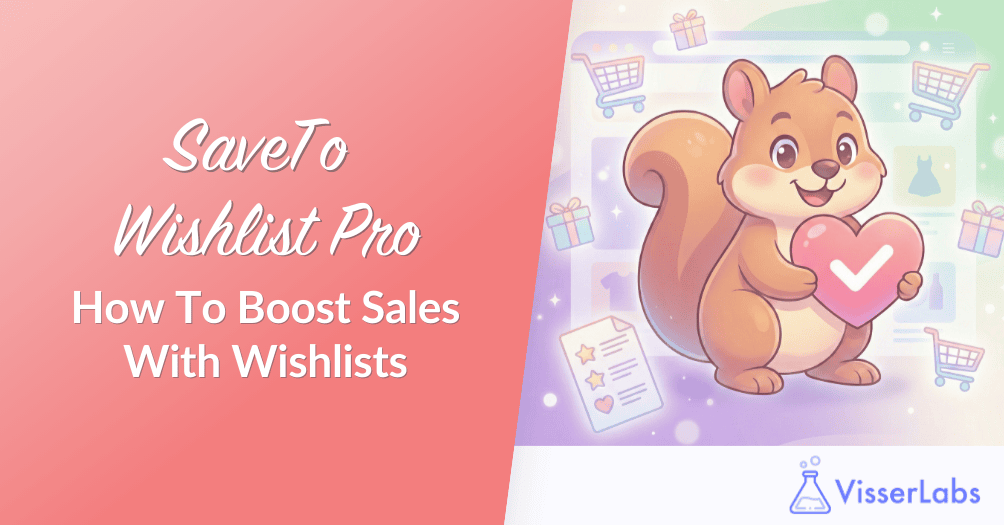
Every day, potential customers browse your store, add items to their cart, and then disappear. Some are testing shipping costs, others are comparing options, and many are thinking, “I’ll come back later.” The problem is, they rarely do. A wishlist for WooCommerce solves this by giving shoppers a dedicated space to save products without cluttering your cart or losing their purchase intent.
Most store owners think wishlists are just a nice-to-have UX feature. However, they are actually a powerful sales tool that captures future demand data.
Wishlists help customers plan bigger purchases, save gift ideas, and organize items for different occasions. In this article, we will talk about the features that truly matter when choosing a wishlist for WooCommerce.
Essential WooCommerce Wishlist Features That Drive Sales
Not all wishlist plugins are created equal. Many charge annual subscription fees for basic features like multiple lists or guest access. Others give you everything upfront without hidden paywalls.
Here are the five criteria that separate good wishlist plugins from great ones.
1. Guest wishlists vs. Account-only
Guest wishlists capture intent from first-time mobile visitors who do not want to create an account yet. Many shoppers browse on their phones during lunch breaks or commutes. Forcing them to register just to save a product adds friction they will avoid.
On the other hand, account-only wishlists give you better customer data and email addresses. The trade-off is that you lose impulse browsers who leave rather than sign up. Therefore, look for a plugin that supports both options so you can choose based on your store’s priorities.
2. Multiple wishlists per customer
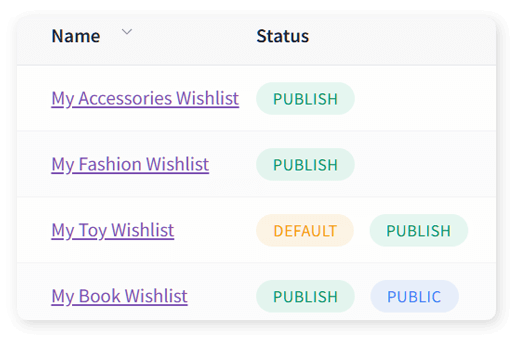
Customers organize their purchases differently. Someone might have one list for “Holiday Gifts,” another for “Future Stock,” and a third for “Business Purchases.” Multiple named lists improve average order value (AOV) because shoppers feel organized and confident buying more.
Many wishlist for Woocommerce plugins lock this feature behind a Pro tier. However, stores that offer unlimited wishlists for free see higher engagement and better conversion rates. Look for plugins that let customers rename lists, drag-and-drop items to prioritize them, and easily transfer products between lists.
3. Save-cart-to-Wishlist flow
Shoppers often use their cart as a “maybe later” list. They add items to see shipping costs or browse product combinations, then abandon the cart without buying. This behavior skews your cart abandonment reports and makes it harder to identify real purchasing intent.
A smart wishlist plugin lets customers move items from cart to wishlist with one click. Consequently, your analytics stay clean and your customers can return to a curated list of products they actually want. This flow also makes it easier to send targeted “items on your wishlist are on sale” emails.
4. Customization & WooCommerce theme integration
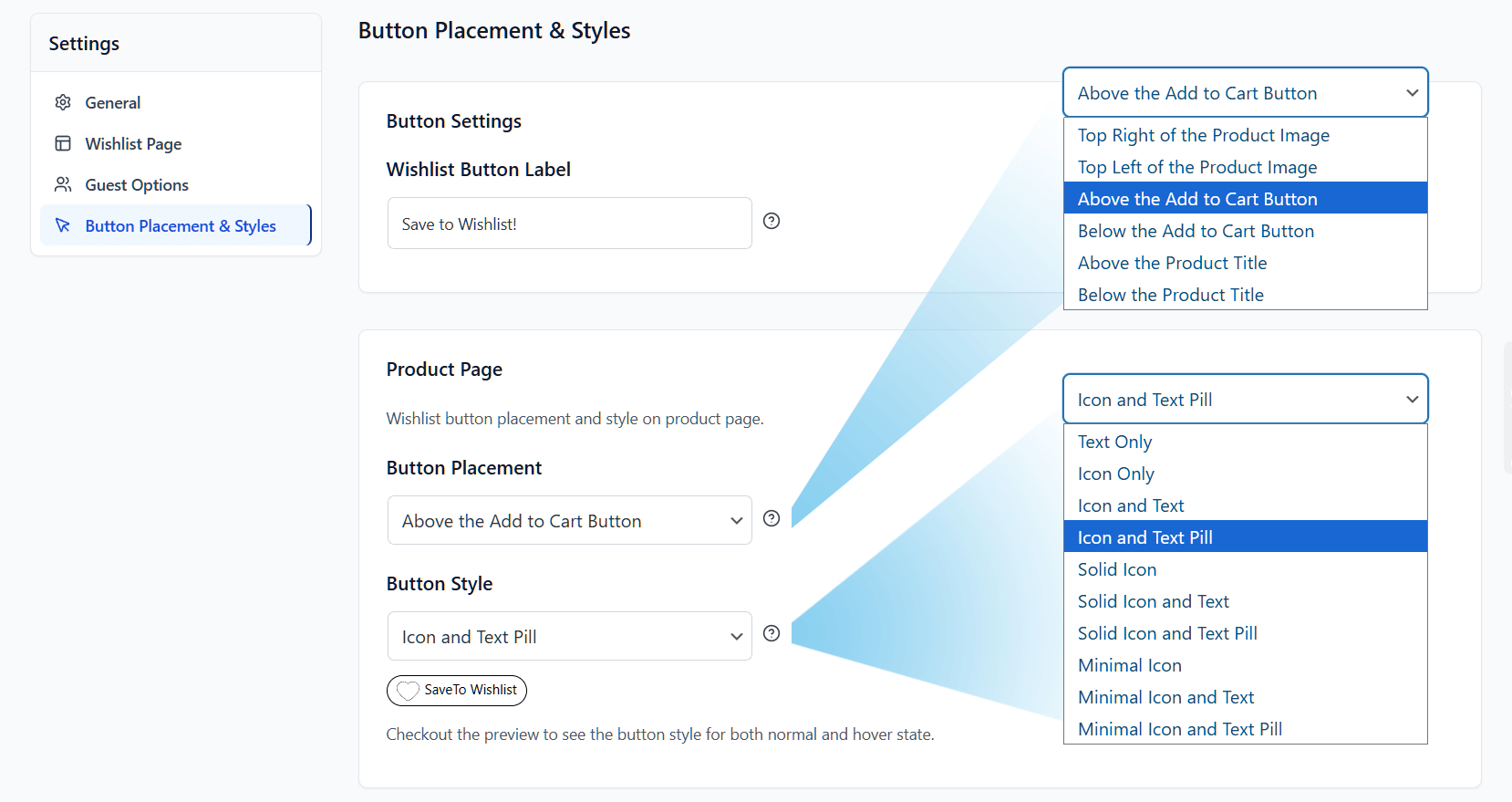
A wishlist button that looks out of place damages trust and reduces usage. If the icon clashes with your brand colors or appears in an awkward spot, customers will ignore it. Therefore, you need control over button placement, icons, and colors.
The best plugins support WooCommerce blocks and let you style the wishlist widget to match your theme. This makes the feature feel native to your store rather than a third-party add-on. Furthermore, block editor support means you can place wishlist buttons exactly where customers expect them.
5. Data & reporting integration
Wishlists capture future demand data. They show you which products people want but have not bought yet. This insight is incredibly valuable for merchandising decisions, seasonal planning, and inventory management.
However, many wishlist for Woocommerce plugins trap this data inside their own interface. Look for a plugin that stores wishlist activity in your database so you can export it. You can export wishlist and product data to analyze “most wish-listed but under-purchased” items. Then use Product Importer Deluxe to bulk adjust pricing or tags based on those insights.
SaveTo Wishlist: Free WooCommerce Plugin With Premium Features
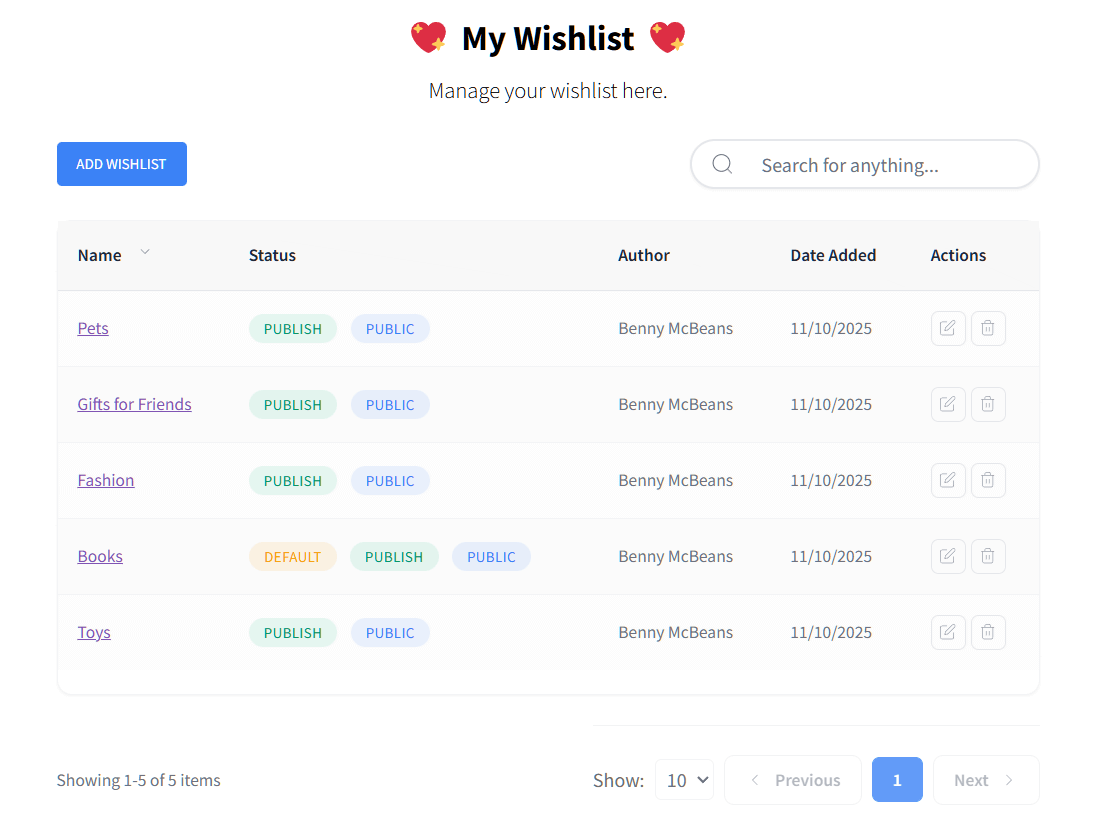
SaveTo Wishlist delivers the premium features other plugins charge subscription fees for—completely free. It gives WooCommerce store owners the tools they need to capture lost sales and improve customer experience. Here is what makes it different:
- Guest wishlists: Let shoppers save items even when they are not signed in, reducing friction for first-time visitors.
- Unlimited multiple wishlists: Customers can create and name as many lists as they need, with drag-and-drop sorting and easy item transfers between lists.
- Save cart to wishlist: Customers can save their entire cart as a new wishlist instead of abandoning it, securing future sales.
- Dedicated my wishlists page: A specialized customer-facing page where shoppers can manage, rename, and organize all their saved lists in one place.
- Full WooCommerce blocks support: Built for the modern block editor, making it easy to place and customize wishlist elements.
- Complete customization: Control button placement, appearance, and display rules directly from your WordPress dashboard.
- Data export ready: Wishlist data can be exported and analyzed for merchandising insights and sales planning.
For a deeper dive into setup and real-world use cases, read our full guide: Introducing SaveTo Wishlist Plugin: Save Lost Sales Easily!
How To Choose The Best Wishlist Plugin For WooCommerce
When evaluating a wishlist for WooCommerce, ask yourself: Does this plugin support guest wishlists? Can customers create unlimited named lists? Can they save their entire cart? Does it integrate with my data tools?
Many competitors charge annual subscription fees for basic functionality. SaveTo Wishlist gives you the premium feature set without the premium price tag. This makes it the smart choice for stores that want to capture lost sales without ongoing plugin fees.
Conclusion
A wishlist for WooCommerce is no longer optional for serious online stores. It captures lost sales, cleans up your analytics, and improves customer experience by giving shoppers a clear way to plan purchases.
Throughout this article, we covered:
- Essential WooCommerce Wishlist Features That Drive Sales
- SaveTo Wishlist: Free WooCommerce Plugin With Premium Features
- How To Choose The Best Wishlist Plugin For WooCommerce
Ready to turn browsers into buyers? Install SaveTo Wishlist and start capturing the sales you have been losing to abandoned carts and forgotten products.