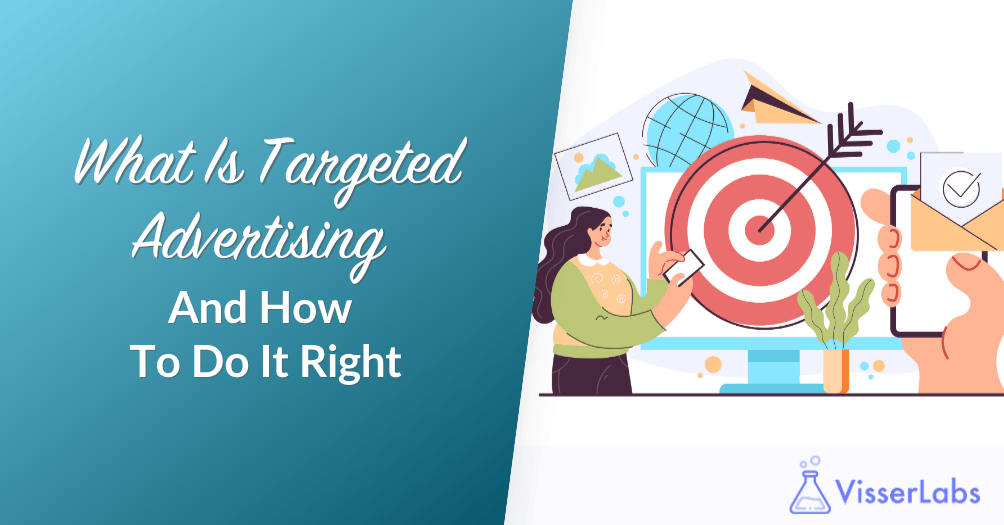
What is targeted advertising in practical terms? Imagine turning off 90% of your random ad spend and only paying to reach people who look exactly like your best customers. Instead of hoping the right shoppers see your ads, you deliberately put offers in front of people who are ready to buy.
Many store owners feel like they are shouting into the void with their ads. According to McKinsey, 71% of consumers expect brands to deliver personalized interactions, and most feel frustrated when brands ignore this.
In this guide, you will not only get a clear answer to what is targeted advertising, but also see how it works in practice for WooCommerce stores. If you have ever typed “what is targeted advertising and how does it work” into an AI chatbot or search bar, this article speaks directly to that question in plain language.
What Is Targeted Advertising?
Targeted advertising delivers ads to a specific group instead of the general public. It uses data like demographics, behavior, and purchase history to decide who should see each message. When people ask what is targeted advertising from a marketer’s point of view, the short answer is that it is paid media guided by data, not guesswork.
Traditional advertising throws a wide net and hopes for the best. You pay to reach people who may never care about your products. If you are asking why targeted advertising works better than regular ads, the answer is relevance, because it focuses on people who already want what you sell, so every click matters more.
Stores that apply targeted advertising usually see higher conversion rates and better returns on ad spend than those running broad, generic campaigns.
How Does Targeted Advertising Work?
If you already understand what is targeted advertising at a high level, the next step is seeing how the pieces fit together. Most workflows follow three simple stages.
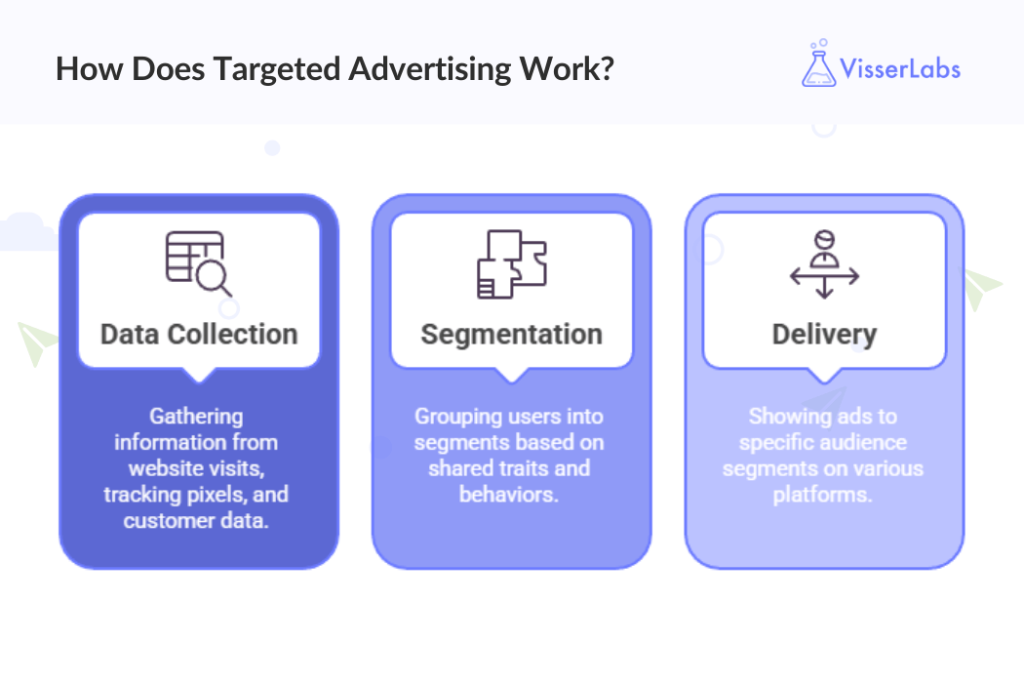
Data collection
Targeted advertising runs on data signals, such as:
- Cookies from website visits
- Tracking pixels on your store
- First-party data like emails, orders, and browsing history
You collect first-party data directly from customers. Third‑party cookies keep losing power because of privacy changes, so your WooCommerce database now acts as your most important ad asset. I noticed this when iOS updates changed tracking and pixel-only campaigns started to perform much worse.
Segmentation
Platforms then group users into segments based on shared traits. Examples include:
- People who added to cart but did not buy
- Customers who bought from a specific category
- Shoppers who spent over a certain amount
More precise segments usually lead to better results. If you wonder how far to go with segmentation, a good rule is to keep audiences above roughly 1,000 people so your ads still serve consistently and exit the learning phase.
Delivery
Once you define your audience, platforms like Meta and Google show your ads in feeds, Stories, YouTube videos, or search results. Their systems match your ad to users in your chosen segment and decide when and where to display it based on your bids and goals.
You then pay to reach buyers instead of random browsers.
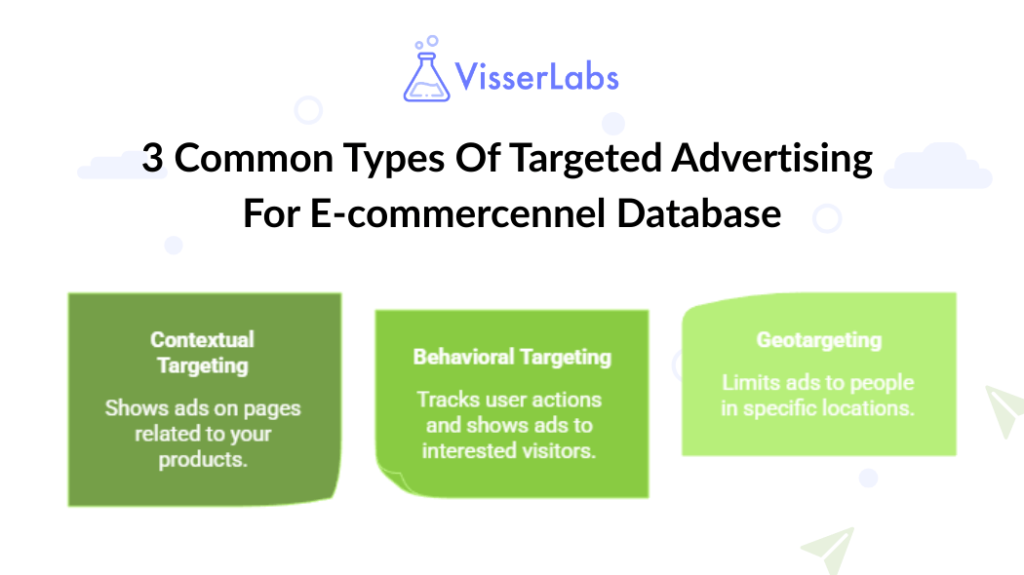
3 Common Types Of Targeted Advertising For E-commerce
1. Contextual targeting
Contextual targeting shows ads on pages or apps related to your products. For example, you might promote running shoes on a marathon training blog.
This type of targeting does not rely on personal data. It uses the topic of the page instead. That approach works well when you want relevant placement without heavy tracking.
2. Behavioral targeting And retargeting
Behavioral targeting tracks what people do, such as pages viewed or items added to carts. Retargeting then shows ads to visitors who left without buying, like a “You left this in your cart” reminder.
Retargeting works because it focuses on people who already showed interest. They are warmer than totally new visitors. In my experience, retargeting campaigns often cost far less per sale than cold traffic and still deliver many of the benefits of customer retention.
3. Geotargeting
Geotargeting limits your ads to people in certain locations. That helps when you:
- Ship only to specific countries or regions
- Run local events or pop‑ups
- Sell products tied to weather or seasons
For example, you can advertise winter gear only to cities with colder climates. That choice prevents you from paying for clicks from people you cannot serve.
How Does First-Party Data Power Targeted Advertising?
If you are wondering why first‑party data matters so much for targeted advertising, the short answer is stability and control. Pixels break when browsers or devices change their rules, but your order history and customer lists stay inside WooCommerce where you control them.
When people ask how targeted advertising stays effective without cookies, the answer almost always comes back to first-party data. That data feeds powerful audience types on major ad platforms and fills the gap that many “what is targeted advertising” explainers skip.
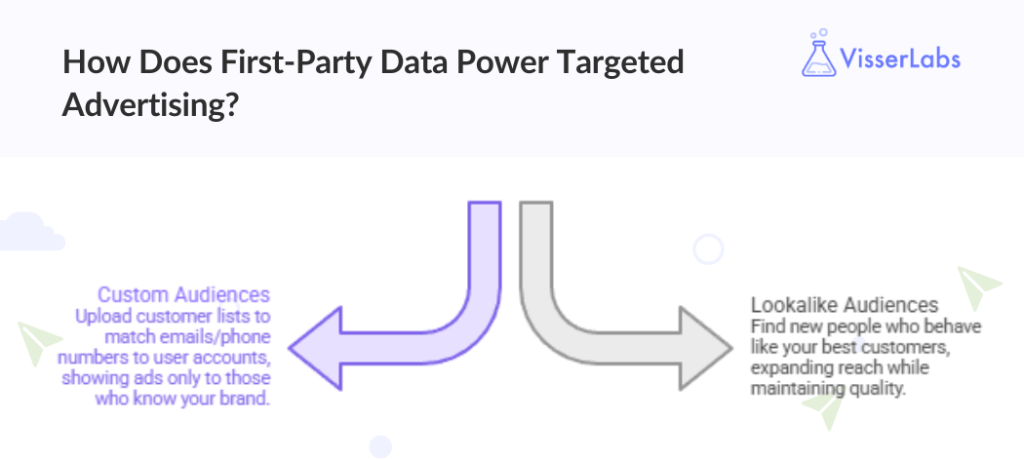
Custom audiences
Custom Audiences let you upload a customer list to Meta or Google. The platform matches emails or phone numbers to user accounts, then shows ads only to those people.
These audiences often beat interest-based targeting because you speak to people who already know your brand. In many accounts, win‑back campaigns and cross‑sell ads rely on these lists.
Lookalike audiences
Lookalike audiences go one step further. You give the platform a source list, like your best customers, and it finds new people who behave in similar ways.
If you are wondering how to scale targeted advertising without losing relevance, lookalike audiences often provide that path. They expand your reach while keeping quality higher than broad interest targeting.
Fuel Targeted Ads Using WooCommerce Data?
If you have looked at database marketing examples before, the pattern is always the same: strong results come from clean segments, not clever copy.
Step 1: Export high-value segments
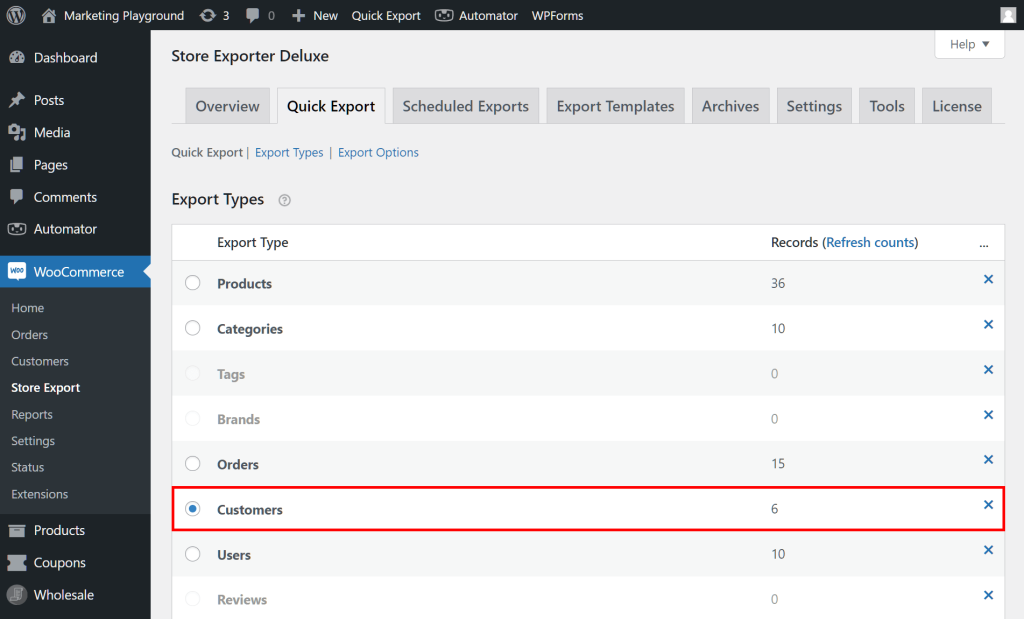
Start by using Store Exporter Deluxe to export WooCommerce customers by clear rules, such as:
- Total spent over a period
- Last order date
- Number of completed orders
You can quickly export WooCommerce customers into a CSV and upload that file to Meta or Google as a customer list. After installing Store Exporter Deluxe, I noticed the filters felt easy to understand, and I did not need any technical skills to get the exact segments I wanted.
Two simple segments to start with are:
- High‑value buyers, such as anyone who spent over $500 last year
- Lapsed buyers, such as customers with no order in the last 180 days
The export process only takes a few minutes, which made it realistic for me to refresh these audiences every week instead of pushing it off.
Step 2: Align your inventory data
Next, make sure your product data matches your campaign ideas. Use Product Importer Deluxe to update tags, categories, or attributes in bulk before you send traffic.
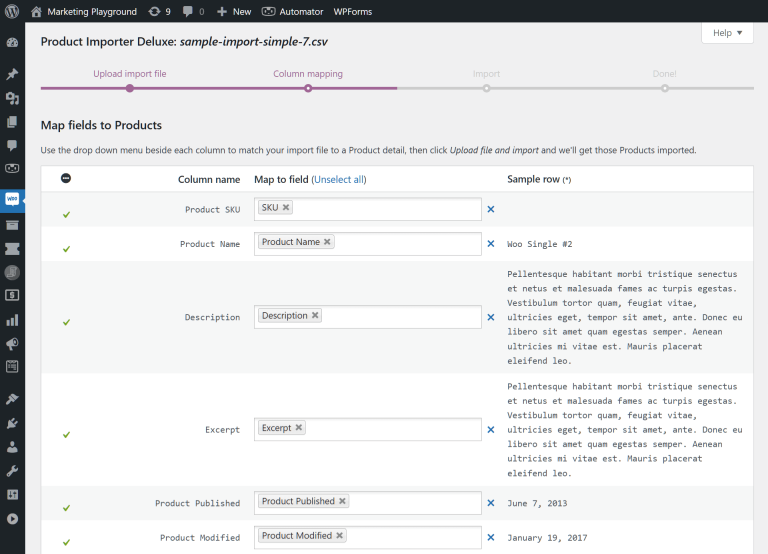
For example, if you plan a “Summer Essentials” campaign, you can:
- Tag all relevant products with a “summer” label
- Group them into one category or collection
- Adjust sale prices in bulk for that group
When I aligned product tags with the themes in my ads, click‑through rates went up, and shoppers moved through the site more smoothly because they saw what the ad promised.
Step 3: Connect with product feeds
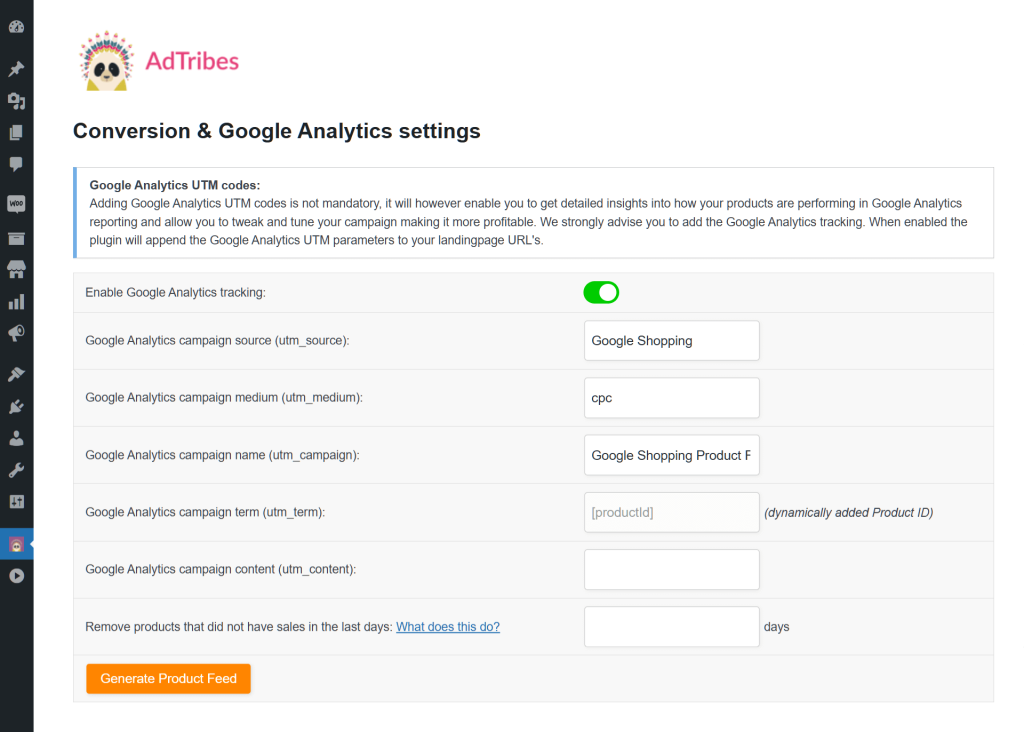
If you plan to run Shopping ads, you also need clean, structured product feeds. AdTribes handle the product feed side for Google Shopping and other channels, while your Visser Labs tools handle the customer data side.
This split keeps your store data organized. Store Exporter Deluxe focuses on audiences, and your feed tool focuses on product catalogs.
How To Targeted Advertising GDPR Compliant?
Privacy rules shape every targeting choice. First‑party data usually gives you a safer option than third‑party tracking, as long as you collect clear consent.
Make sure your checkout and forms explain how you use customer data and include an opt‑in for marketing. If you have ever wondered whether audience uploads fit under GDPR, remember that consent from the customer unlocks that option.
For more detail, you can follow WooCommerce GDPR guidance so your targeting strategy stays compliant as you grow.
Conclusion
Targeted advertising works best when you treat it as smart data use, not louder ads. The stores that win take control of their customer data and turn it into clear, focused audiences.
To recap:
- What Is Targeted Advertising?
- How Does Targeted Advertising Work?
- 3 Common Types Of Targeted Advertising For E-commerce
- How Does First-Party Data Power Targeted Advertising?
- Fuel Targeted Ads Using WooCommerce Data
- Keep Targeted Advertising GDPR Compliant?
When you are ready to act, use Store Exporter Deluxe to build your first high‑ROI audience and explore our plans and features.
Frequently Asked Questions
What is targeted advertising and how is it different from regular ads?
When people ask what is targeted advertising compared to regular ads, the main difference is that targeting decides who sees the message before you spend a cent. Targeted advertising shows ads to people you select with data such as purchase history, interests, or location. Regular ads show the same message to everyone. Because targeted ads focus on likely buyers, they usually lead to better conversion rates and stronger returns on ad spend.
How do I create a Custom Audience from my WooCommerce store?
First, export WooCommerce customers into a CSV file with emails or phone numbers. Then upload that file into Meta Ads Manager or Google Ads under the customer list or Custom Audience section. The platform compares that data to user profiles and then serves your ads only to those people.
How do lookalike audiences work with targeted advertising?
Lookalike audiences start with a source group, such as your best customers or repeat buyers. The ad platform studies that group and then finds new users with similar behavior or traits. This process helps you answer how to scale targeted advertising while staying relevant, because you reach more people who resemble customers who already buy from you.
Is targeted advertising a good idea for small WooCommerce stores?
Yes. Many small stores start by retargeting past visitors or recent customers with very modest budgets. Because you do not pay to reach everyone, even five to ten dollars per day can give you enough data to see which audiences work before you invest more.
What data should I track to improve my targeting over time?
Track basic metrics such as total spend, number of orders, last order date, and which categories each customer prefers. Many store owners who ask how to improve targeted advertising later discover that better segments, not bigger budgets, create the biggest jumps in performance. Over time, these same metrics can feed both Custom and lookalike audiences on major ad platforms.