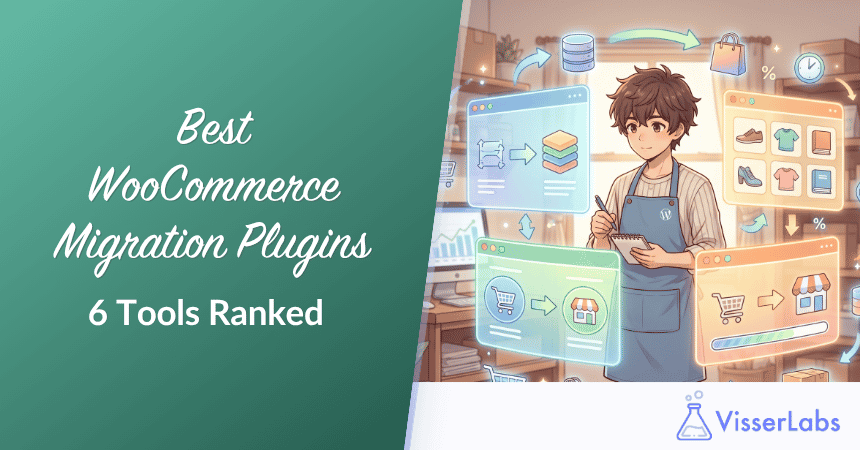
The best WooCommerce migration plugins all solve the same problem: a migration is never finished on the first attempt. You export, you find broken variations and mangled characters, you fix them, and you import again. Whether your data is coming from Shopify, Magento, BigCommerce, or another WooCommerce store, the tool that saves you the most time is the one that lets you re-run a corrected file without duplicating everything you already moved.
That iterative loop is the part most product pages skip. Platform-to-platform promises rarely survive contact with a real catalog, where variations break, encoding corrupts, and custom meta fields land in the wrong place.
There are two broad approaches. Plugin-based tools put you in control: you own the export, clean the data, and import on your schedule. Service-based tools run the migration for you, which costs more and limits how cheaply you can iterate.
In this guide, we’ll compare six WooCommerce migration plugins and services on how they handle the messy reality of a real migration, including what the free built-in tools can already do. Let’s break it down.
Table of Contents
Why You Need A Dedicated Migration Plugin Or Service
You need one of the dedicated WooCommerce migration plugins when your move involves more than products, or when it has to happen more than once. The free built-in tools handle a clean product catalog competently, and they handle more than they get credit for. Where they stop is orders, customers, subscriptions, and remote file sources, which is exactly what a platform migration involves.
1. The free tools cover products, not a whole store
WooCommerce ships with a product CSV importer that does real work. It creates and updates products, matches existing ones by ID or SKU, auto-maps recognized column headers, accepts a file path on your own server, and imports custom data through meta: prefixed columns.
What it doesn’t do is orders, customers, coupons, or subscriptions, and it can’t fetch a file from a URL or an FTP server. The WordPress Importer handles WXR files for posts and pages, but it was never built for WooCommerce entities.
2. Migrations are iterative, not one-shot
You rarely get a migration right on the first export. Descriptions need cleaning, categories need remapping, variation attributes need fixing.
The tools that succeed are the ones that let you push corrections back without duplicating products. We’ve seen migrations off older platforms where product descriptions arrived with UTF-8 encoding problems, and the cost of fixing that depends entirely on whether your tool can re-import over existing records.
3. Real-world data is messy
Smart quotes, trailing whitespace in SKUs, category hierarchies that don’t line up, custom meta fields only one plugin knows how to read. Purpose-built migration tools either preserve this data, normalize it, or give you a place to fix it.
This is where plugin-specific coverage earns its cost. Generic mapping can move a value into a field, but knowing which meta key a subscriptions or multilingual plugin expects is a different problem.
If you want the platform-specific walkthrough, you can follow the step-by-step WooCommerce migration guide from start to launch.
6 WooCommerce Migration Plugins And Tools Compared
These six WooCommerce migration plugins and services cover the realistic range of options, grouped by approach rather than ranked. The free tools come first because they may already be enough, then the plugin workflows, then the done-for-you services. Which one fits depends on what you’re moving and how many times you expect to move it.
1. Native WooCommerce CSV importer and WordPress Importer
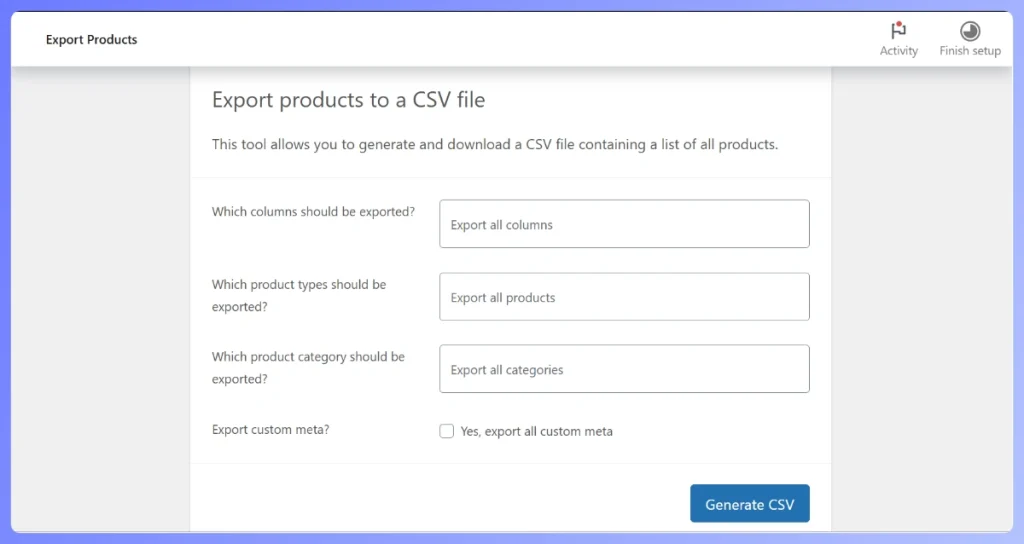
Start here, because you already own it. The built-in WooCommerce product CSV importer and exporter move simple and variable products, update existing products by ID or SKU, and carry custom data through meta: columns. The WordPress Importer, with over 2 million active installations, handles WXR files for posts, pages, comments, and terms.
The limits are scope and sources. No orders, customers, or subscriptions, no scheduling, and no URL or FTP source, so every run is manual.
Where it fits: product-only migrations, and any move where you can prepare one clean file and run it yourself. Check this option honestly before paying for any of the WooCommerce migration plugins below, because a paid tool adds nothing to a job the free one finishes.
2. Store Exporter Deluxe (the export half of the migration)
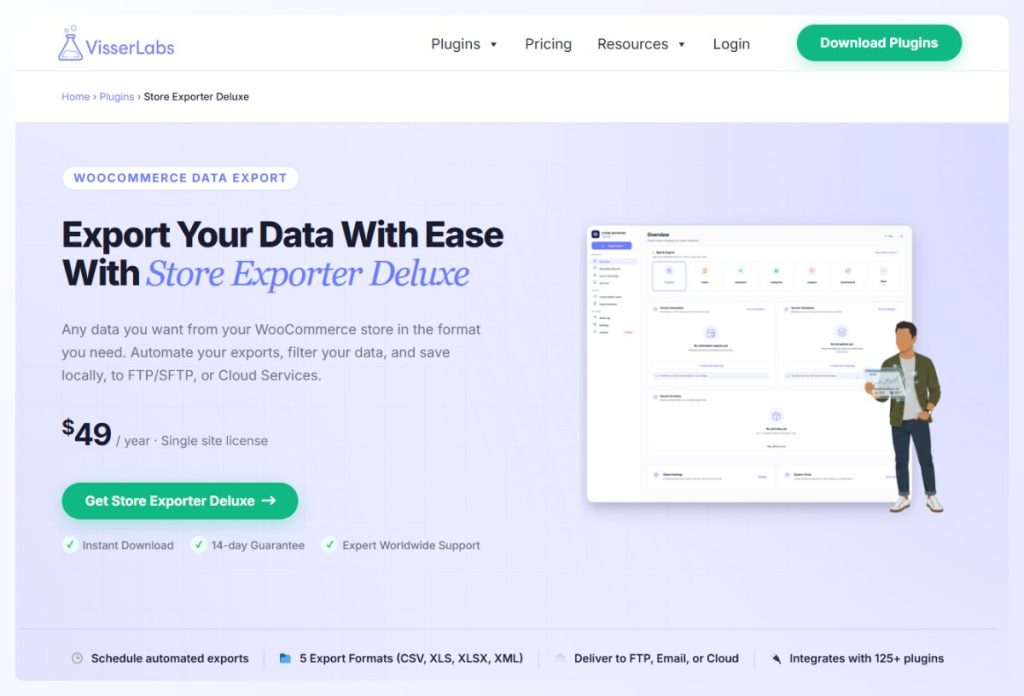
Store Exporter Deluxe handles the export side rather than the import side, which makes it relevant to migrations in two specific places: moving off one WooCommerce store onto another, and producing the accurate starting file that any importer needs. It exports products, orders, customers, coupons, subscriptions, reviews, categories, and attributes, across 125+ plugin integrations, to CSV, TSV, XML, or Excel.
The plugin coverage is the part that matters on a migration. Data held by subscriptions, multilingual, or brand plugins is what generic exporters tend to leave behind.
Where it fits: WooCommerce to WooCommerce moves, and as the export step feeding whichever importer you use, including the free built-in one. It’s $49/yr for a single site with a 14-day money-back guarantee. It does not import, so pair it with an importer for the return trip.
3. WP All Import and WP All Export
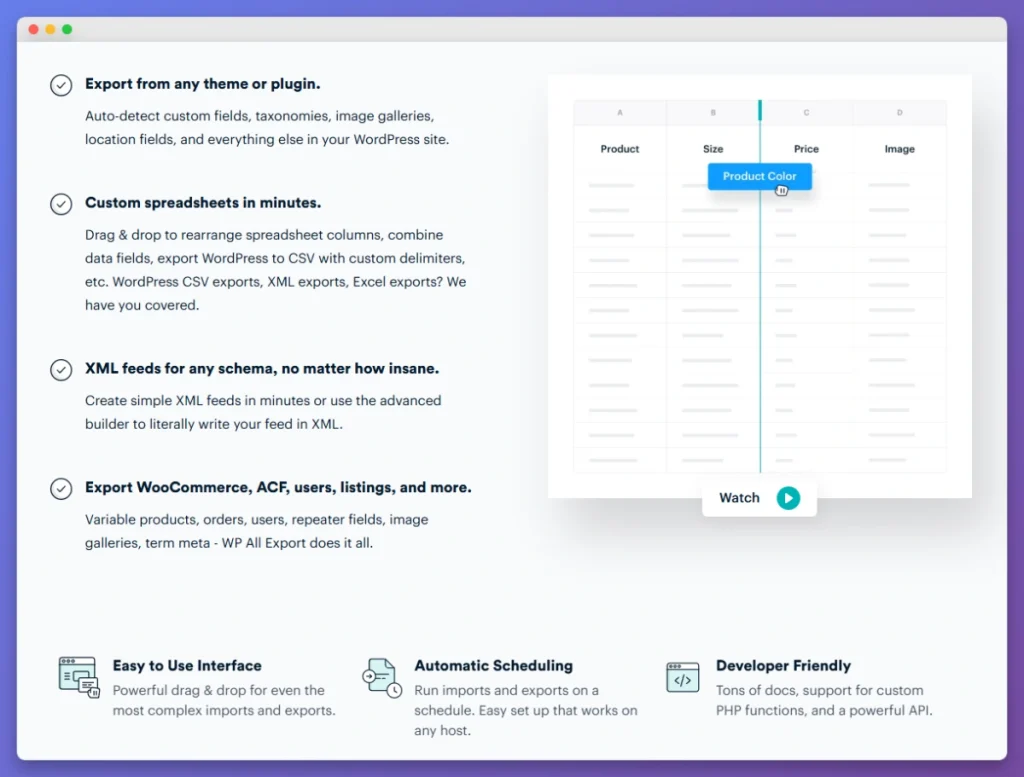
WP All Import and WP All Export are general-purpose WordPress import and export plugins, extended to products and orders through a WooCommerce add-on. Their distinguishing capability is a drag-and-drop XML and XPath mapping interface plus custom PHP hooks, which lets you pull from an arbitrary feed and transform values on the way in.
What to watch for: the XPath interface assumes XML familiarity that most store owners don’t have, and re-running an import without creating duplicate SKUs depends on configuring the unique-identifier setting correctly. WooCommerce support is a separate paid add-on from the core plugin.
Where it fits: migrations where WooCommerce is only part of the job, such as moving products alongside custom post types or importing from a structured XML feed.
For a deeper look at the export side specifically, see our side-by-side comparison of how each tool exports WooCommerce data.
4. WebToffee Import Export Suite
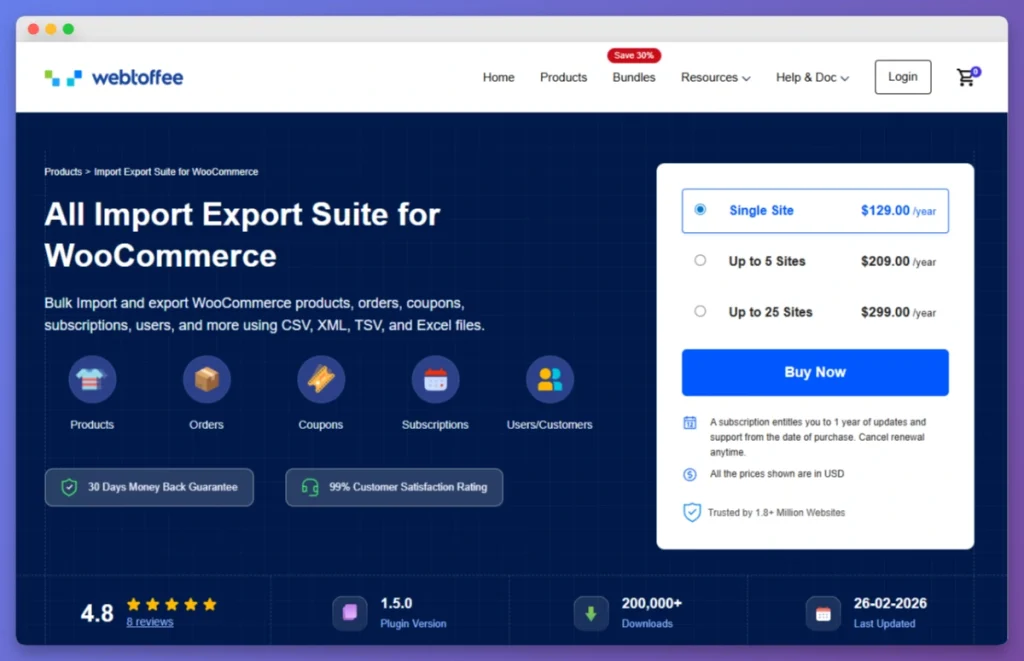
WebToffee’s Import Export Suite covers both directions in one plugin, spanning products, orders, customers, coupons, subscriptions, reviews, categories, and tags, in CSV, XML, TSV, and Excel. There’s a free version on WordPress.org for basic product CSV work, with premium tiers adding scheduling, FTP, and filtering.
What to watch for: the free tier is limited on variable products, so a catalog with deep variation counts means starting on a premium tier rather than growing into one. Order line-item mapping, including per-item tax and fee rows, is handled in the paid versions.
Where it fits: migrations that mix entity types and want a single plugin covering import and export together.
5. LitExtension
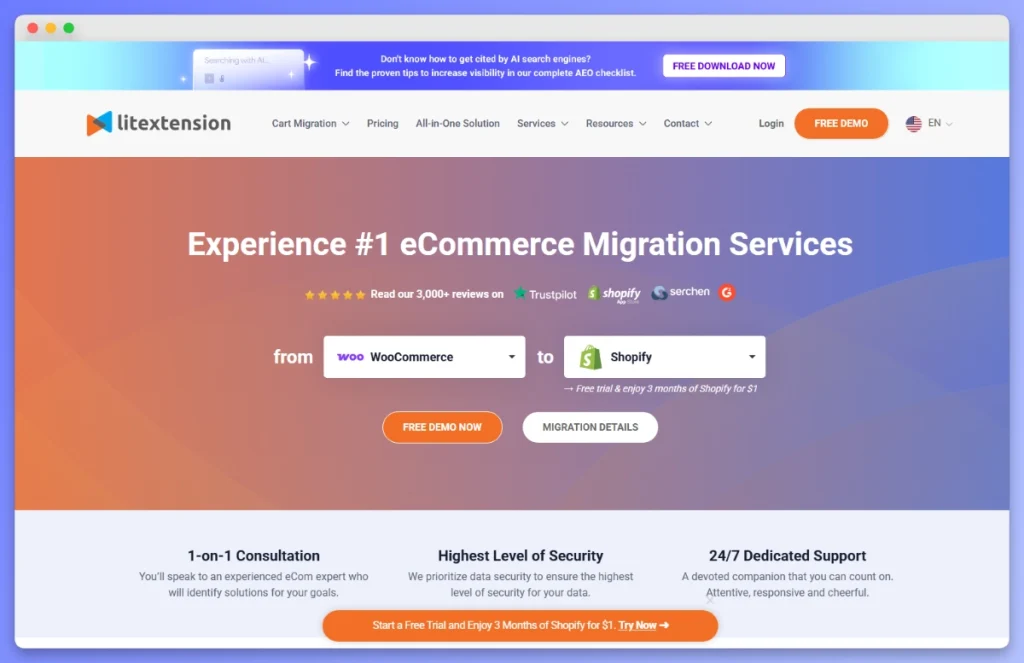
LitExtension is a migration service rather than a plugin. You point it at your source platform, choose the entities to move, and the transfer runs for you with support included. Supported sources cover the major platforms plus dozens of smaller ones, and a free demo migration is available before you commit.
What to watch for: the core entities generally transfer well, while extras like reviews, custom metafields, and URL redirects are commonly priced as add-ons. Iterative fixes cost additional runs, so a mapping problem found after launch is a paid re-run rather than a free re-import.
Where it fits: one-shot platform-to-platform moves where you’d rather not open a spreadsheet and the budget allows for it.
6. Cart2Cart
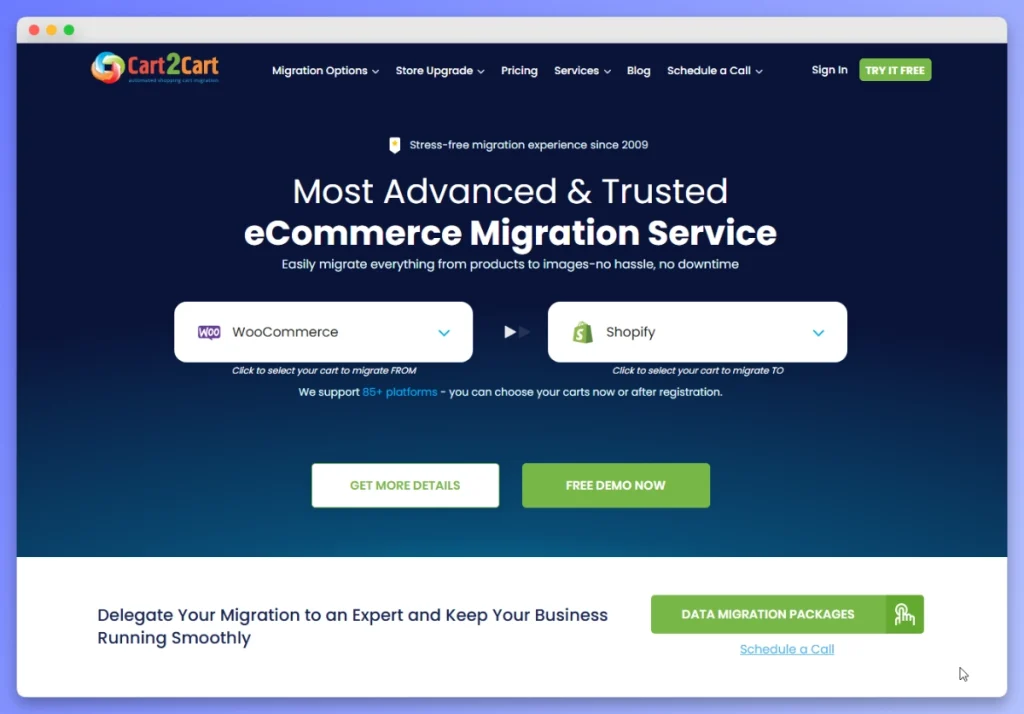
Cart2Cart follows the same service model as LitExtension: automated platform-to-platform migration run by the vendor, across a similarly broad list of source platforms, with a free demo migration limited to a small number of records.
What to watch for: customer passwords carry over only when the source and target platforms use compatible encryption, so plan a password reset sequence if yours don’t. A demo also doesn’t guarantee the full run behaves identically, so spot-check after the real migration rather than trusting the preview.
Where it fits: the same use case as LitExtension, with the same trade of automation for mapping control.
Migration Tool Feature Comparison
The six WooCommerce migration plugins and services separate on three things: which entity types they touch, whether they can re-import over existing records, and where the file comes from. Read the table by the row that matches your migration, not by counting checkmarks.
Compiled from each tool’s official documentation in 2026. Store Exporter Deluxe pricing is confirmed. Competitor pricing changes by tier and promotion often enough that we’ve listed cost model instead of figures, so check each vendor directly.
| Feature | Native WC / WP | Store Exporter Deluxe | WP All Import / Export | WebToffee Suite | LitExtension | Cart2Cart |
|---|---|---|---|---|---|---|
| Direction | Import and export | Export only | Import and export | Import and export | Service transfer | Service transfer |
| Entity types | Products (WC), posts and pages (WP) | Products, orders, customers, coupons, subscriptions, reviews, categories, attributes | Any post type via mapping | Products, orders, customers, coupons, subscriptions, reviews, categories, tags | Products, orders, customers, categories, reviews (add-ons) | Products, orders, customers, categories (add-ons) |
| Formats | CSV | CSV, TSV, XML, Excel | CSV, XML, Excel | CSV, XML, TSV, Excel | Service run | Service run |
| File sources | Upload or server path | N/A (export) | Upload, URL, FTP | Upload, URL (premium) | Service run | Service run |
| Re-import over existing | Update by ID or SKU | N/A (export) | Yes, with unique-ID config | Yes (premium) | Re-run costs extra | Re-run costs extra |
| Plugin integrations | Via meta: columns | 125+ | Generic custom mapping | Selected plugins | Varies by source | Varies by source |
| Scheduling | No | Yes | Premium | Premium | N/A | N/A |
| Cost model | Free | $49/yr single site | Paid tiers plus WooCommerce add-on | Free tier plus paid tiers | Usage based | Usage based |
The pattern worth noticing: the free tools are stronger than their reputation on products, and every paid option is really selling either wider entity coverage or automation.
How To Choose For Your Migration
Choose between the WooCommerce migration plugins above on three questions: what you’re moving, where the file comes from, and how many times you’ll run it. Products only, from a file on your machine, once, means the free importer is the answer. Add orders, a remote feed, or repeat runs and you’re buying scope or automation.
- Products only, one clean file: the native WooCommerce importer, with no purchase needed.
- Moving off one WooCommerce store onto another: Store Exporter Deluxe for the export, then the importer of your choice on the destination.
- Products plus custom post types, or an XML feed: WP All Import and WP All Export, allowing for the setup effort.
- Mixed entity types in one plugin: WebToffee Import Export Suite, starting on the tier your variations require.
- Hands-off platform-to-platform transfer: LitExtension or Cart2Cart, budgeting for add-ons and any re-runs.
What We’ve Seen: The three things that break migrations most often are about the data, not the tools. Encoding issues turning smart quotes into garbled characters, variable product parent and child relationships silently dropping, and custom meta fields getting truncated. If your tool can’t push corrections back in without duplicating products, you’ll end up in the database eventually. Treat re-import as the feature that matters most.
Export Your Store Before And After You Migrate
None of the WooCommerce migration plugins can verify their own work, which is why every migration needs two exports, and most store owners only plan one. You export from the source to get your data out, and you export from the destination afterward to check what actually arrived. Skipping the second one is how stores discover a month later that half their custom fields are empty.
Why the export after the migration matters most
A migration report tells you what the tool believes it moved. An export of the destination store tells you what’s really there, in a file you can sort and filter against your source data.
This is where silent failures surface: variations without attributes, products missing a supplier reference, orders whose line items didn’t carry tax. All of it is visible in a spreadsheet and invisible on a product page.
How Store Exporter Deluxe fits the migration
Store Exporter Deluxe exports products, orders, customers, subscriptions, and custom fields across 125+ plugin integrations, which is what makes it useful for the verification pass as well as the source export. You can export just the fields you want to check rather than dumping the whole catalog.
On a WooCommerce to WooCommerce move it also does the first half of the job outright, producing a file already mapped to WooCommerce field names for the destination importer to read.
Conclusion
The best WooCommerce migration plugins split into two camps: plugins that give you control and services that give you automation. For most stores the plugin route wins, because real migrations need a second and third attempt, and that’s precisely what services charge for.
Here’s a quick recap of what we covered:
- What the free built-in tools genuinely do, including update by SKU and
meta:columns - Six WooCommerce migration plugins and services, grouped by approach rather than ranked
- How they compare on entity coverage, file sources, and re-importing over existing records
- How to pick based on what you’re moving and how often you’ll run it
- Why you need an export both before and after the migration
If you’re ready to get your data out cleanly and check what landed on the other side, see how Store Exporter Deluxe handles your store’s export.
Frequently Asked Questions
Which platforms can you migrate to WooCommerce from?
You can migrate to WooCommerce from most ecommerce platforms, including Shopify, Magento and Adobe Commerce, BigCommerce, PrestaShop, Ecwid, and older systems like Jigoshop, VirtueMart, and nopCommerce. Migration services cover the widest list of source platforms directly. With a plugin workflow, the source platform matters less, because what you need is a CSV or XML export from the old store that you then map to WooCommerce fields.
Do you need a migration service, or can you do it with plugins?
WooCommerce migration plugins give you more control and cost less than a service for most migrations. Services make sense for a large platform-to-platform move where you don’t want to handle the data at all. The deciding factor is iteration: with plugins, re-running a corrected file is free, while with a service it’s another paid run.
Can you migrate orders and customers as well as products?
Yes, but not with the free tools. The native WooCommerce importer handles products only, so orders, customers, coupons, and subscriptions need either a paid plugin such as WebToffee Import Export Suite or a migration service. On the export side, Store Exporter Deluxe covers all of those entity types.
Will your variable products survive the migration?
Variable products survive when your tool maps parent and child relationships correctly on both the export and the import. This is the most common silent failure in a WooCommerce migration, because the import reports success while variations arrive as simple products or lose their attributes. Test one known parent product with several variations before committing to a tool for the full run.
What about redirects from your old store URLs?
WooCommerce migration plugins don’t handle URL redirects, so plan them separately. You can set them at the server level with Nginx or Apache rules, or use the free Redirection plugin, which has over 2 million active installations. Build the redirect map before launch, because the old URLs stop being crawlable the moment you switch over.
How much does a WooCommerce migration cost?
A plugin-based WooCommerce migration costs the price of the tooling plus your own time, starting from free if the built-in importer covers your products. Store Exporter Deluxe is $49/yr for a single site on the export side, and other plugins price by tier. A done-for-you service is usually quoted on entity counts and add-ons, which is why it runs higher for larger stores.